Teaching Guide: Word Searches for Vocabulary Practice
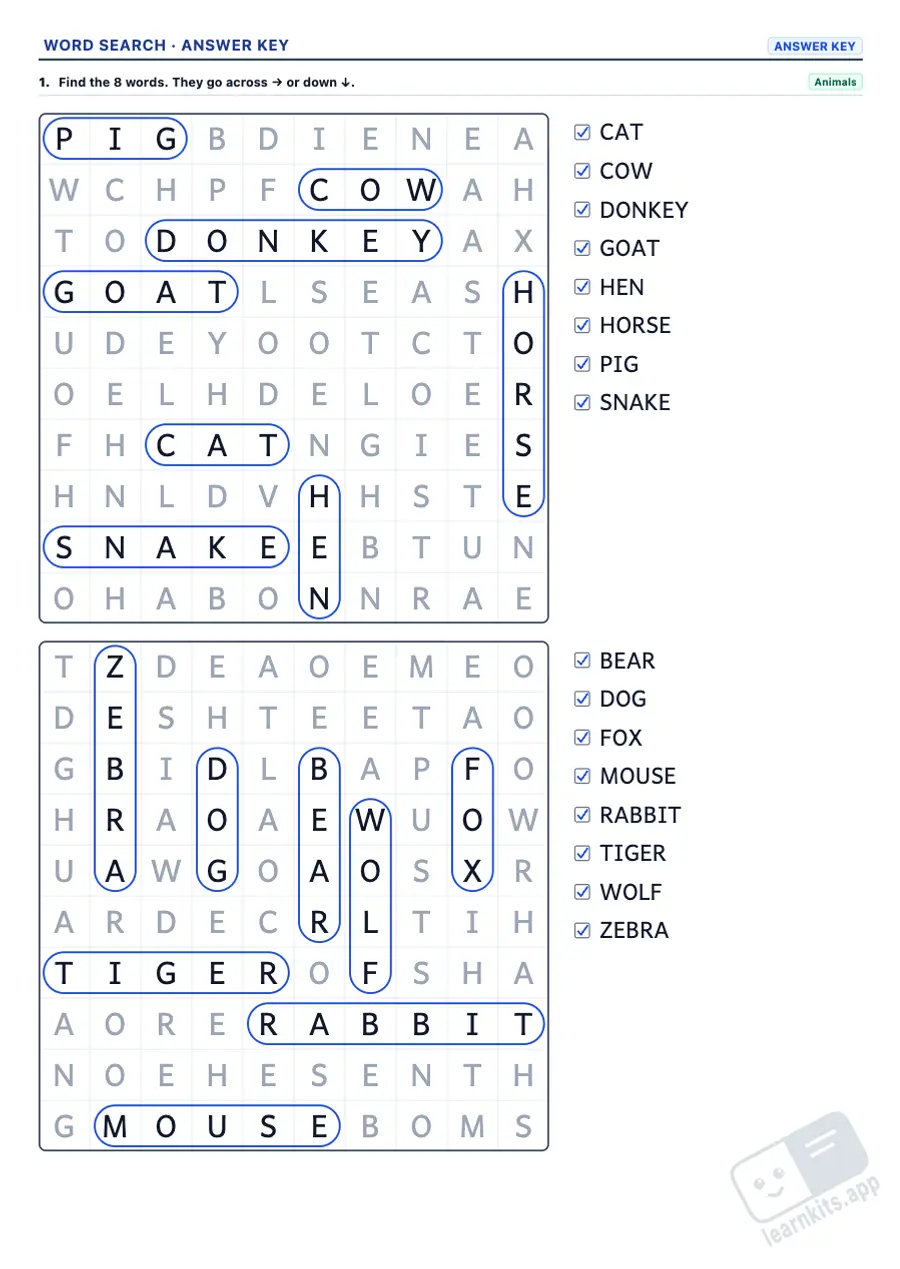
A word search is a motivating way to fix the vocabulary of a topic: to find each word, pupils read it, picture how it is spelt and look for it letter by letter. This free word search generator creates A4 worksheets by topic, with the word list beside the grid and an answer key. From easy word searches for kids with a few short words to hard ones with words backwards and on the diagonal, it works as a word search maker for the whole of primary and lower secondary. Every word search you add is new, and you can mix it with other vocabulary exercises on the same worksheet. Build on the vocabulary with the spelling pattern worksheets, picture vocabulary with word searches and the handwriting worksheet generator, or put it all together in a course workbook. See every resource in Language & Literacy.
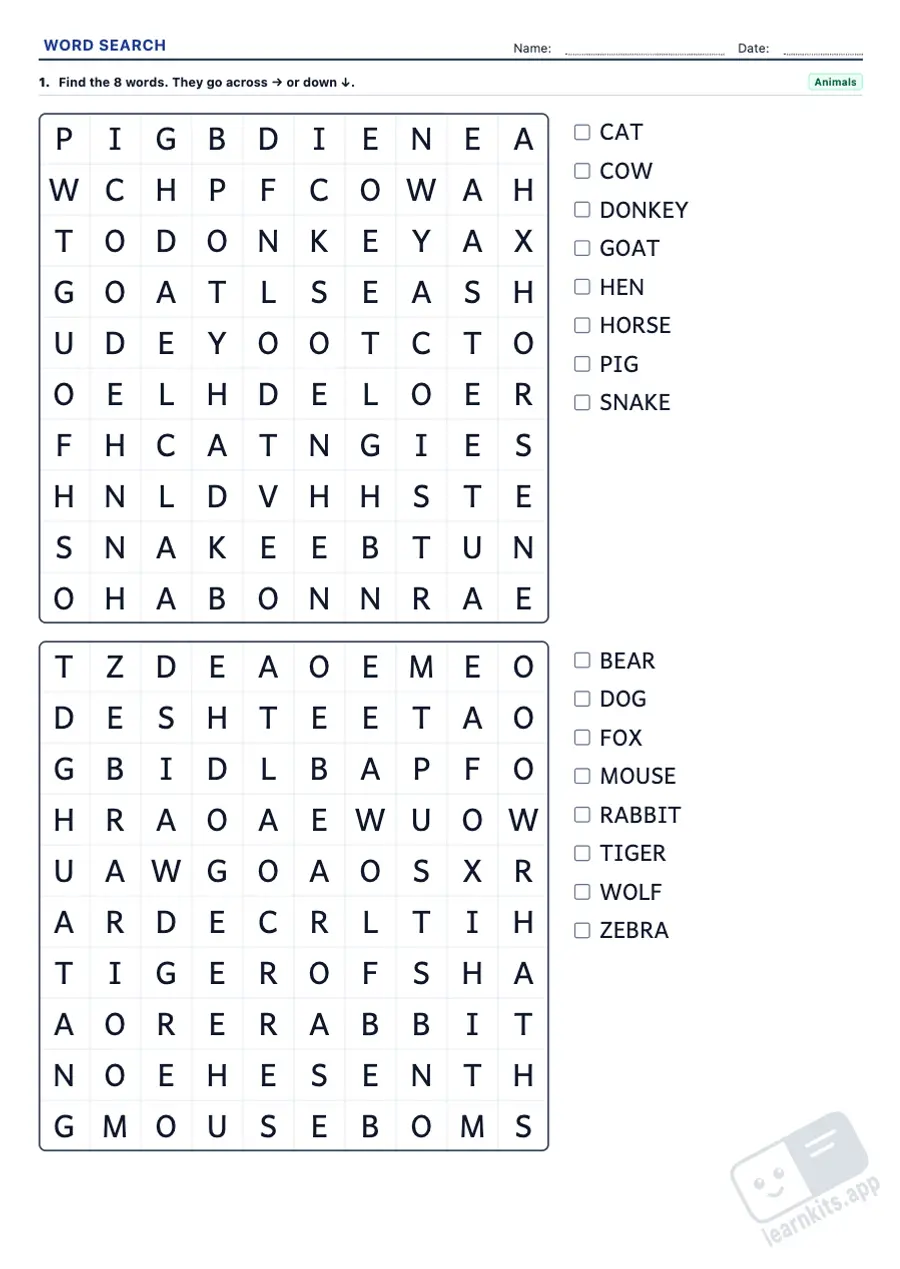
A4, to print or save as PDF; new exercises every time
Price
Free, no sign-up
Available in
Catalan, Spanish, English
Student worksheet
Answer key
Sample made with LearnKits. Every worksheet is new: choose the topic, level and amount and print it for free.
22 vocabulary topics
Animals, the sea, food, school, the human body, clothes, the house, the family, jobs, transport, sports, countries, feelings, science and technology, among others.
Four levels
10 × 10 grids with short words that only go right and down for the youngest, up to 15 × 15 grids with words in every direction for Grades 7-8. The custom level lets you choose the size, the words and the directions yourself.
English word lists
Each language has its own lists, not translations, in British spelling. Longer and more abstract words appear at the higher levels.
Every word exactly once
Every word is hidden exactly once and none can be found a second time by chance. Filler letters follow how often each letter is used in English.
A list to tick
The word list sits beside the grid, with a box to tick each word once it is found.
Answer key
Every word circled with a capsule and the spare letters in grey, so marking takes seconds.
Frequently Asked Questions about Word Searches
Which grades are they for?
Grades 1 to 8. The starter level has small grids, big letters and only two directions; the expert level has big grids, long words and every direction.
Can a word appear twice?
No. Every word on the list is placed once, and the filler letters are checked so they never spell it again in any direction. Two words where one contains the other never share a grid either.
Is it British or American English?
The word lists follow British English, the variety usually taught in European schools (rubber, trousers, neighbourhood).
Can I print bigger word searches?
Yes. In the wizard's More options, set “Exercises per sheet” to “1 per sheet (larger)”: the grid takes the full width of the sheet and the word list goes underneath.
Can I choose the grid size and the number of words?
Yes. At the level step, choose Custom: you set the grid size (8 × 8 to 18 × 18), how many words are hidden (4 to 20, depending on the topic), which directions they can go in and whether to use the basic vocabulary, the harder words or both. Settings that would not fit the sheet or that the topic cannot fill are not offered, and every word is still hidden exactly once.
Do words repeat between word searches?
Within one exercise, each word search uses new words from the topic while there are any left. Select the exercise on the sheet and click “New” for different word searches with the same settings.
Is any pupil data sent to a server?
No. Worksheets are generated in your browser and templates are saved in your browser's memory.
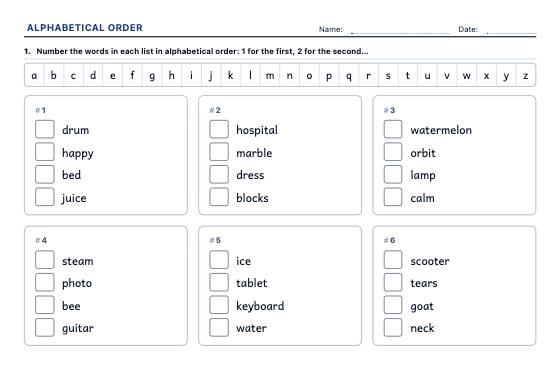
Lists of real words to put in alphabetical order by the first, second or third letter: number them, write them in order or circle the one that comes first, with the deciding letter in the answer key.
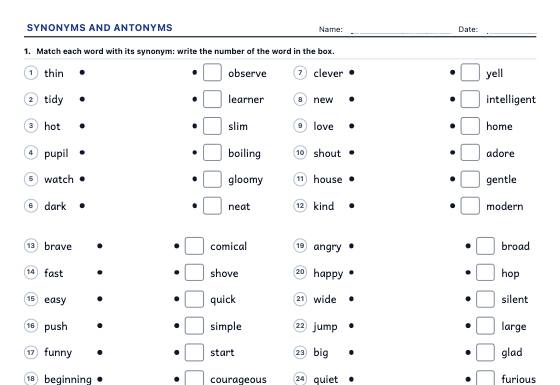
Match pairs, circle the synonym or antonym, write the opposite, replace the word in a sentence and sort pairs, with a levelled dictionary of English synonyms and antonyms.
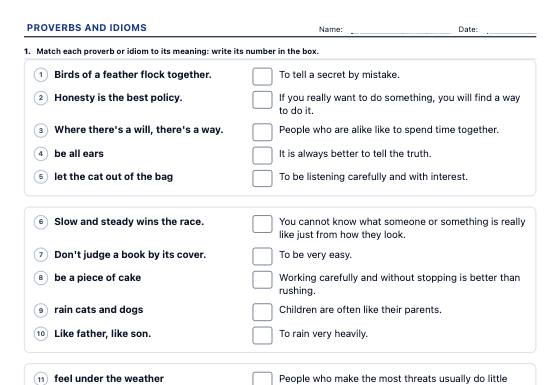
English proverbs and idioms: complete the end of a proverb, match sayings to their meanings, choose the meaning or the saying that fits a situation and explain it, in three levels with an answer key.
This feature is not yet available. We are actively building advanced tools for schools, tutoring centers, and teachers.
Notice: All current worksheet generators and printable materials on LearnKits are and will remain 100% free and open. Pro will be an optional enhancement for school institutions.
Features in development:
No Watermark: Print worksheets and answer keys without the LearnKits mark.
Cloud Collections: Access and organize your worksheets from anywhere.
School Branding: Add your school crest and custom header notes.
Direct PDF Export: One-click vector PDF downloads without print popups.
Thank you! We will notify you first as soon as LearnKits Pro becomes available.
Analytics cookies
We use Google Analytics to learn which resources are used and improve them, only if you accept. You can change your choice at any time from the page footer. Cookie policy