Fractional indices
The nth root of aᵐ is a^(m/n), so the laws of indices work for roots too. Pupils first move between the two forms, then work out values such as 8^(2/3) = 4 and 27^(−2/3) = 1/9.
Surds are roots that cannot be written as whole numbers or fractions, such as √2 or ∛5. Pupils learn to write roots as powers with fractional indices, to simplify surds, to add like surds, to multiply and divide them and, finally, to rationalise the denominator, the core of higher-tier number work. This free surds worksheet generator makes A4 worksheets for every step, Grades 9 and 10, with an answer key that shows all the working and every answer in its simplest form.
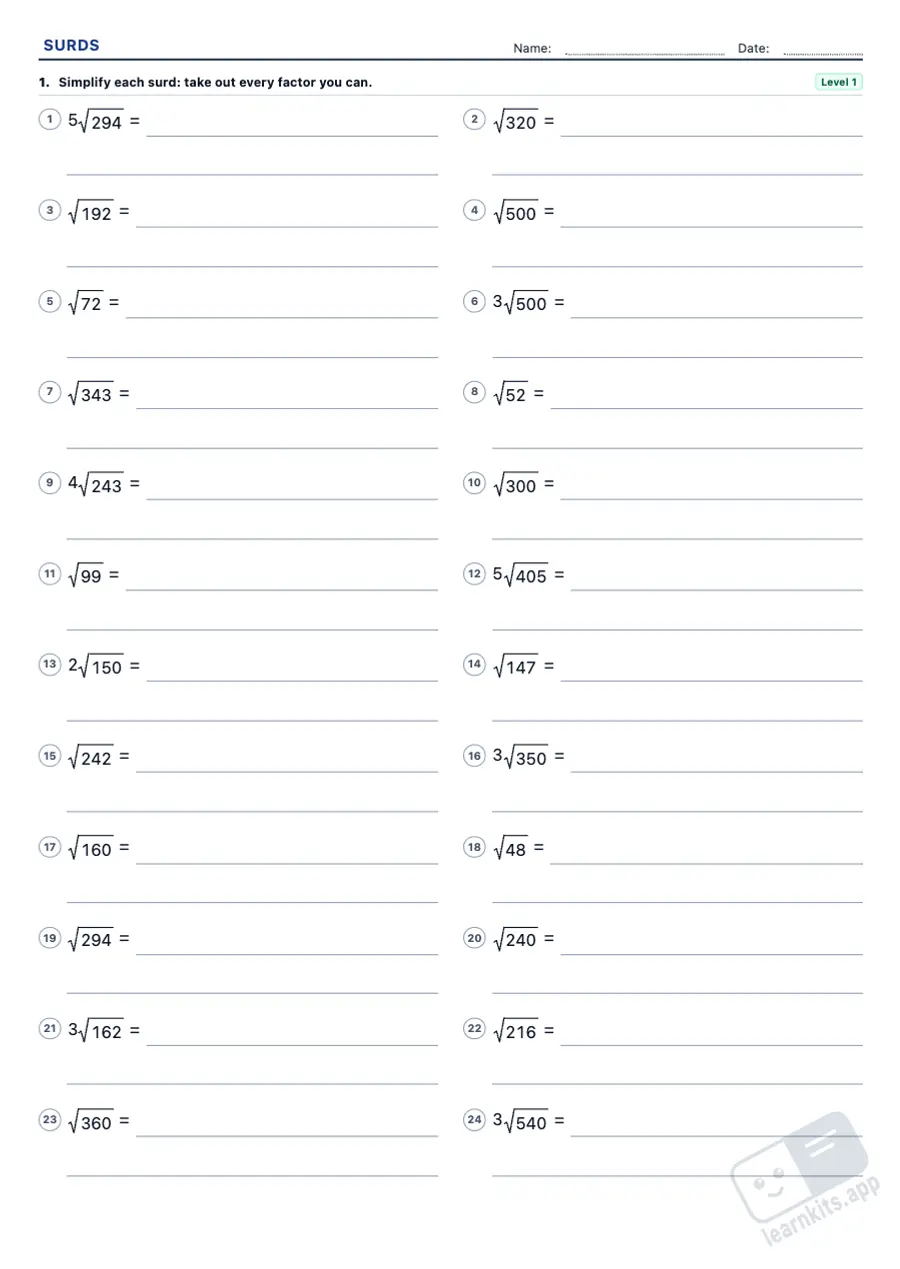 Student worksheet
 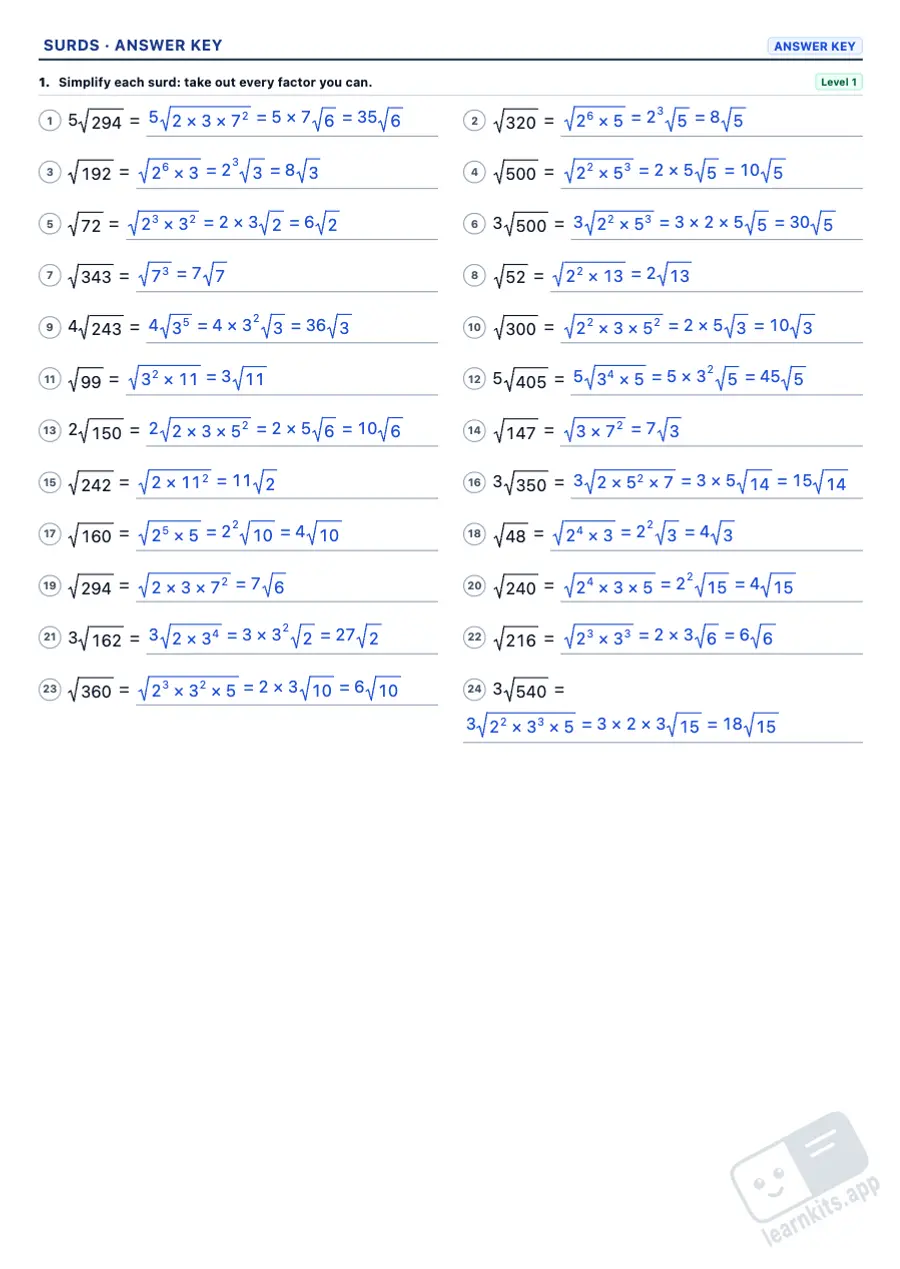 Answer key
 The nth root of aᵐ is a^(m/n), so the laws of indices work for roots too. Pupils first move between the two forms, then work out values such as 8^(2/3) = 4 and 27^(−2/3) = 1/9.
Dividing the index and the power by the same number simplifies a root; multiplying them gives a common index, to compare roots or to multiply roots with different indices.
Write the number under the root as prime factors: each factor comes out as many times as the index fits into its power, √72 = √(2³ × 3²) = 6√2. Bringing a factor in is the way back.
Only like surds can be added, so simplify each surd first: √12 + √27 = 2√3 + 3√3 = 5√3.
With the same index, multiply or divide the numbers under the roots; with different indices, use a common index first. Brackets with surds expand like algebraic brackets, with the special products.
To remove a root from the denominator, multiply by the same root, by the root that completes an exact power, or by the conjugate when the denominator is a sum or a difference.
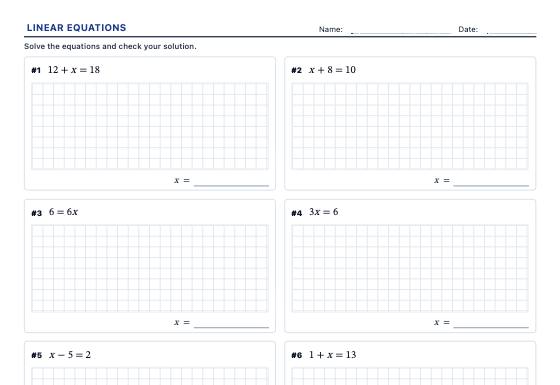
One-step and two-step linear equations, x on both sides, brackets and fractions, with whole, negative or fraction solutions and a step-by-step answer key with the check.
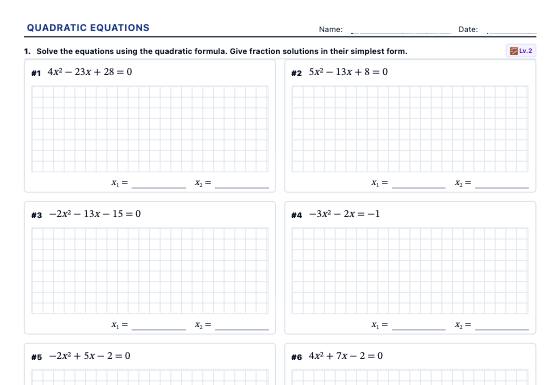
Incomplete quadratics and the quadratic formula, equations with brackets and fractions to rearrange, the number of solutions from the discriminant and the equation from its roots, with a step-by-step answer key.
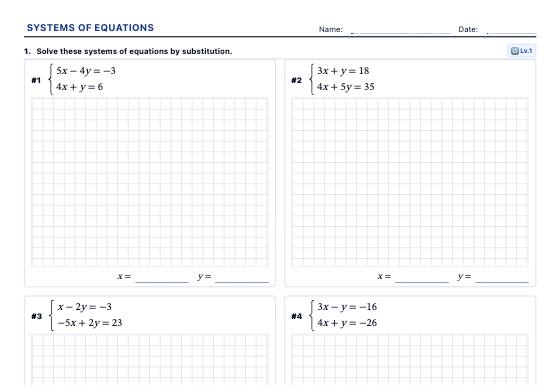
Systems of two equations in two unknowns (simultaneous equations) by substitution, equalisation and elimination, the graphical method, classifying systems and word problems, with a step-by-step answer key.