Writing in standard form
Move the decimal point until a single non-zero digit is left in front: the number of places is the power, positive for large numbers and negative for small ones.
Scientific notation, called standard form in UK schools, writes a number as A × 10ⁿ, with a number in front between 1 and 10 and a power of 10, so that distances in space, the mass of an atom or the world's population can be read and compared at a glance. This free scientific notation worksheet generator builds A4 worksheets to write large and small numbers in standard form and as ordinary numbers, correct it, compare and order, multiply, divide, add and subtract, and solve problems with real data, from Grade 8 to Grade 10 (Years 9 to 11), with a step-by-step answer key.
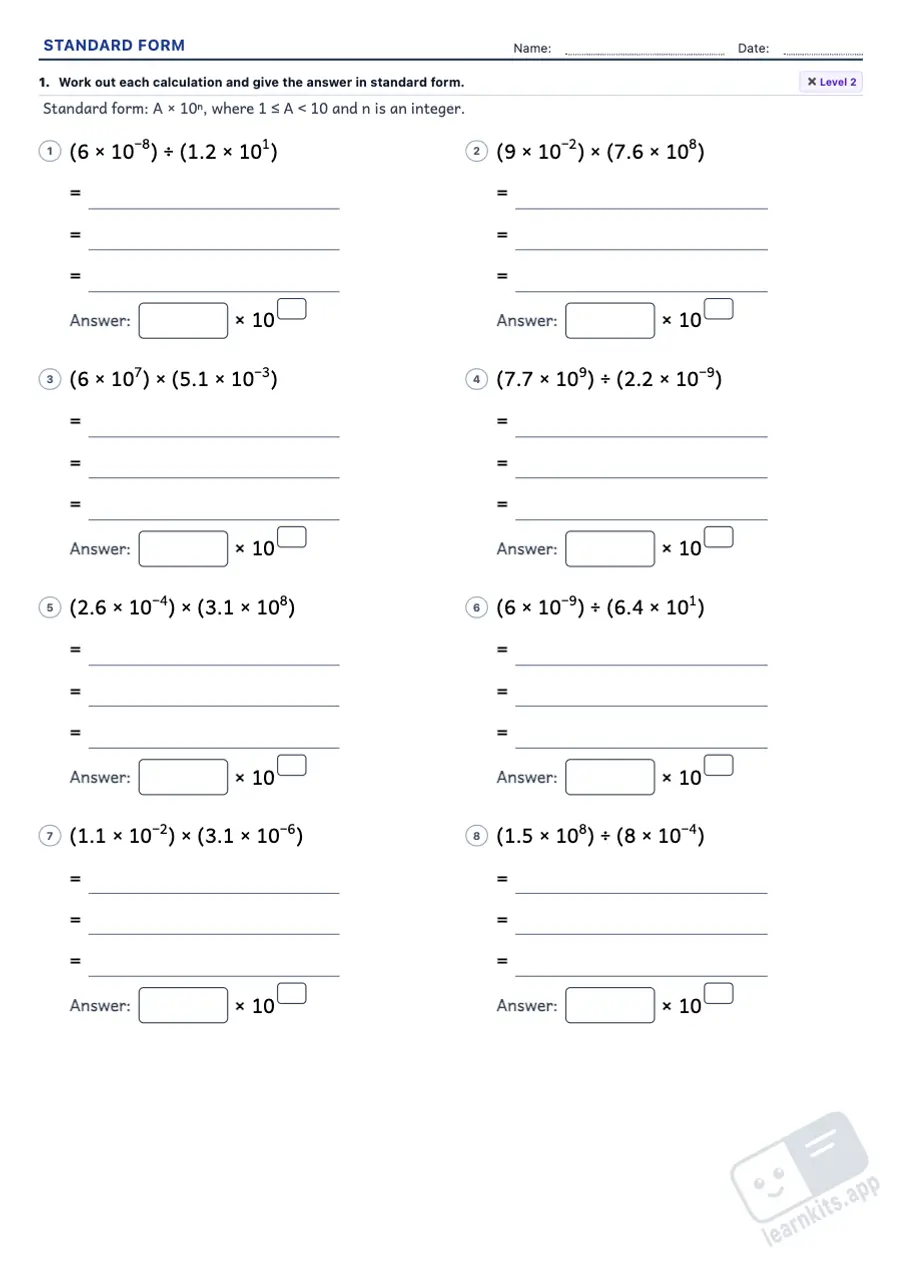 Student worksheet
 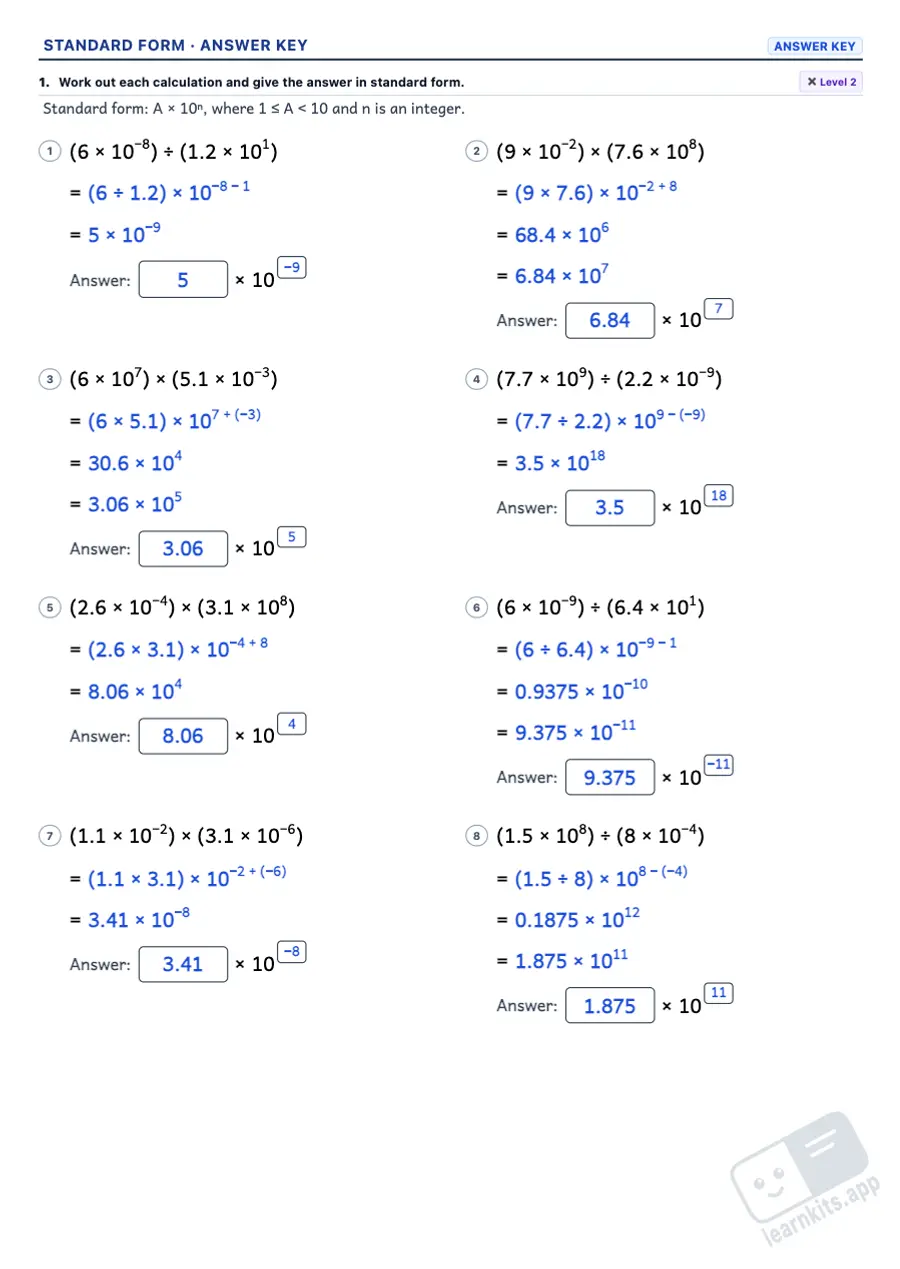 Answer key
 Move the decimal point until a single non-zero digit is left in front: the number of places is the power, positive for large numbers and negative for small ones.
The way back: 7.2 × 10⁶ = 7,200,000 and 5 × 10⁻³ = 0.005. It shows that a negative power makes a number small, not negative.
35 × 10⁴ or 0.42 × 10⁶ are not in standard form: write the number in front as a power of 10 and add the powers.
The power decides first: 2 × 10⁻³ is larger than 9 × 10⁻⁵. The sheets include the tricky cases and numbers to correct before ordering them.
Multiplying and dividing with the laws of indices, and adding and subtracting by bringing both numbers to the same power. The answer key shows every step.
Sunlight reaching Neptune, the mass of Jupiter, the red cells in our blood or the molecules in a glass of water, with real orders of magnitude.
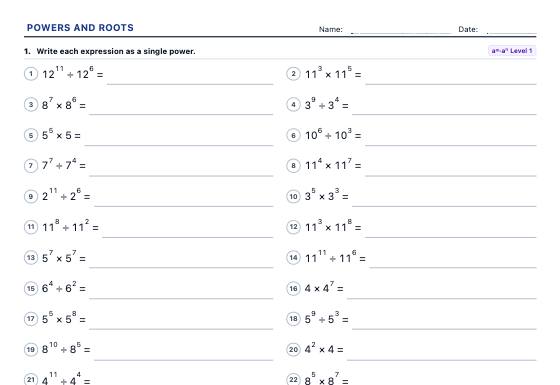
A4 powers and roots worksheets: notation, squares and cubes, powers of 10, standard form, laws of exponents, perfect squares, exact and whole-number square roots and word problems.
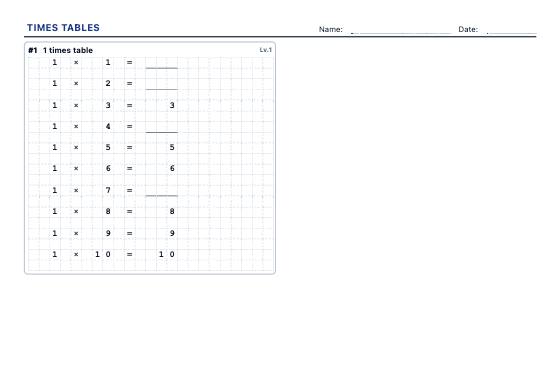
A4 worksheets for the tables you choose: complete the table, shuffled facts, missing factors, multiplication grids and division facts, in three levels with an answer key.
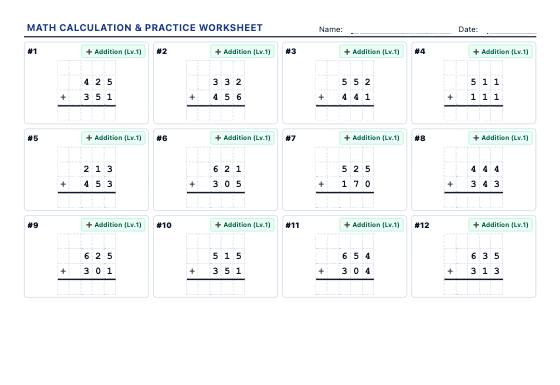
Generate high-density A4 printable worksheets (15-20 problems per sheet) with regrouping addition, borrowing subtraction, multi-digit multiplication, long division, and square roots.