Complete the table
The table in order with clues, with no results or with the multiplier hidden. Ideal for starting a new table.
Knowing the times tables by heart frees pupils to understand long multiplication, division and fractions. This free times tables worksheet generator builds A4 worksheets on 4 mm squared paper, with the tables you choose, five exercise types and an answer key ready for marking.
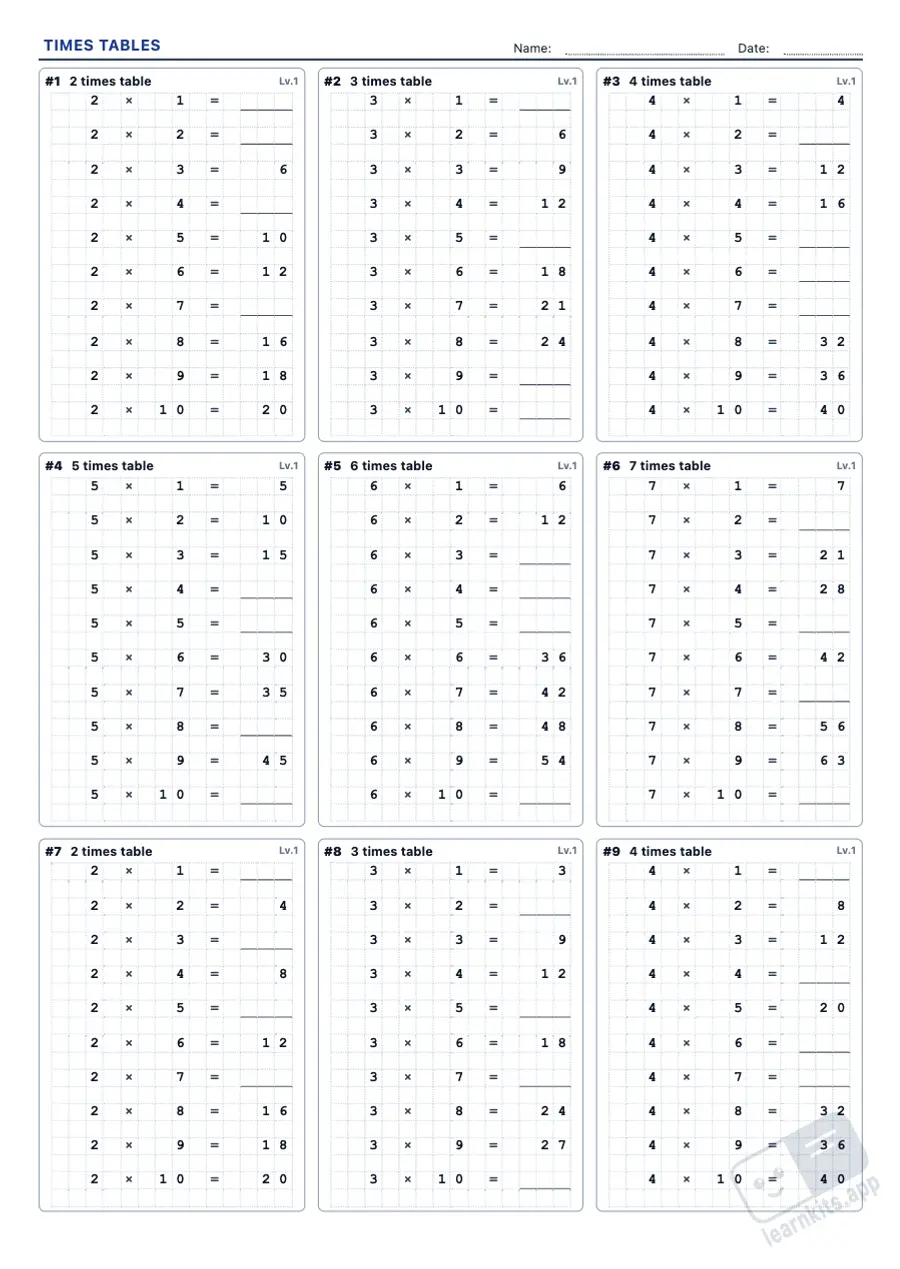 Student worksheet
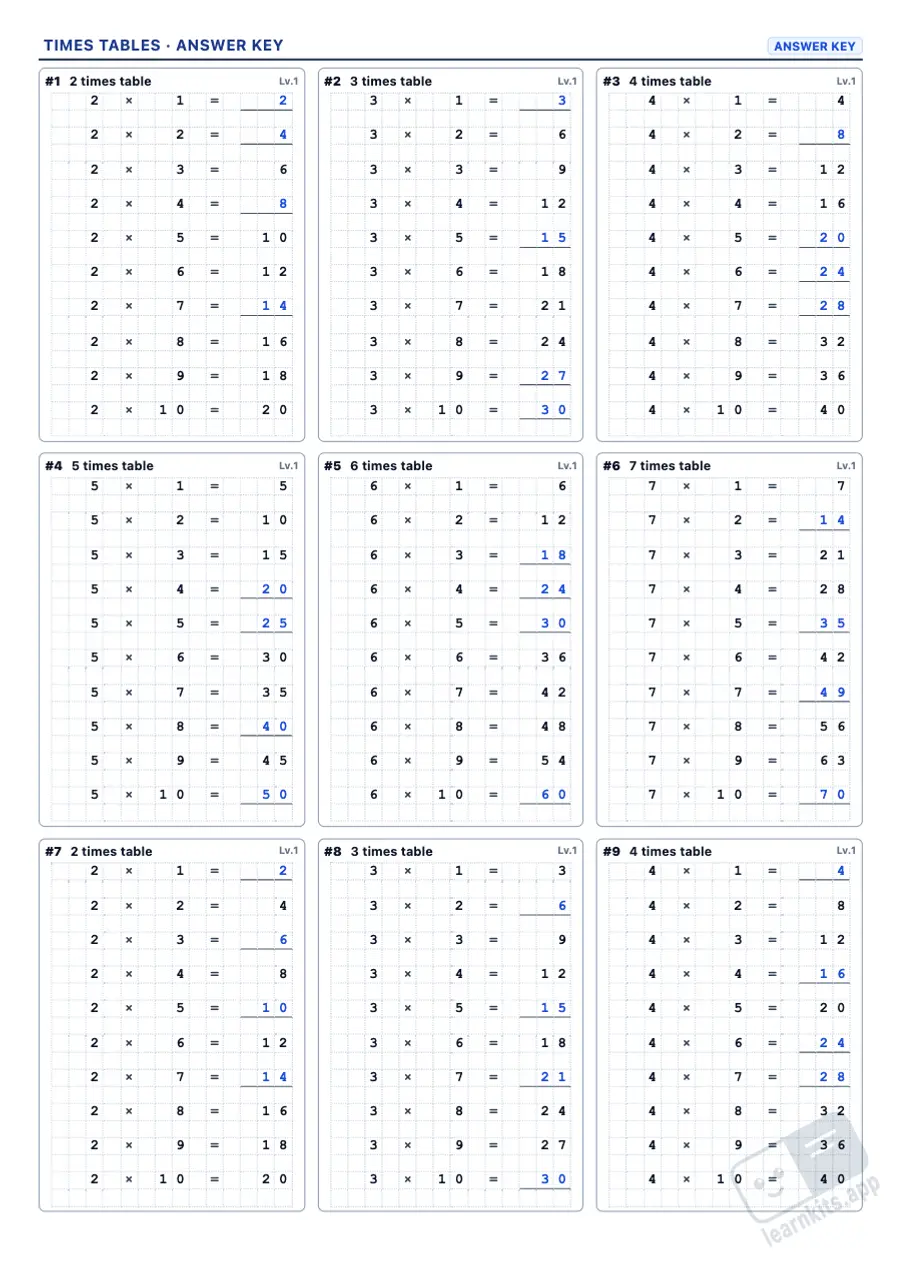 Answer key
The table in order with clues, with no results or with the multiplier hidden. Ideal for starting a new table.
Ten shuffled facts per box, from the first half of the table to factors in any order.
3 × _ = 12, _ × 4 = 28 or 42 = 6 × _: prepares division and early algebraic thinking.
The classic times table grid with gaps and, at the top level, with shuffled headings.
Exact divisions from each multiplication fact, with the dividend or the divisor hidden at level 3.
One digit per square, as in an exercise book, and an answer key with the answers in blue.
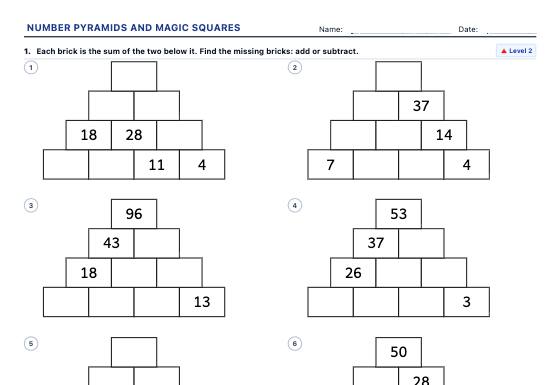
Addition and multiplication number pyramids (from the bottom up or with missing bricks, with decimals and negative numbers) and 3 × 3 and 4 × 4 magic squares to complete or check, with an answer key.
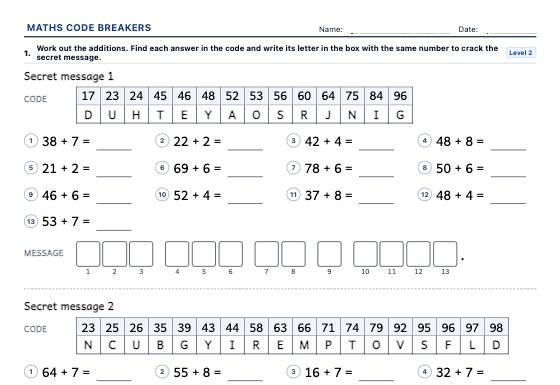
A4 worksheets of additions, subtractions, times tables and divisions that hide a secret message: each answer is a letter of the code, and at the end pupils read a riddle, a joke or a fact.
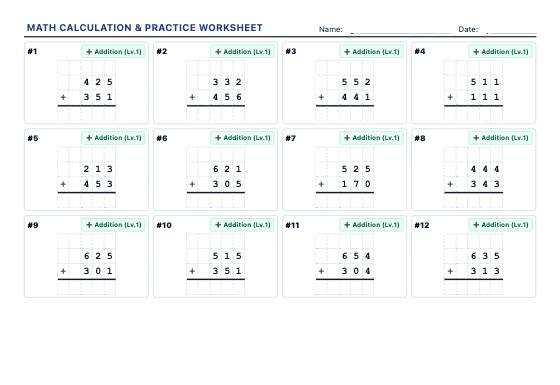
Generate high-density A4 printable worksheets (15-20 problems per sheet) with regrouping addition, borrowing subtraction, multi-digit multiplication, long division, and square roots.