Adding decimals
Line up the decimal points: ones under ones, tenths under tenths. From the same number of decimal places to mixed places and three addends, with the zeros that even them out shown in red.
This free decimal worksheet generator makes column addition, subtraction, multiplication and long division with decimals for Grades 4 to 7. Every operation is drawn on a 4 mm grid with the decimal point on the corner of its square, so each place value stays in its column, and the answer key shows the zeros added, the regrouping and where the point goes in the answer.
Line up the decimal points: ones under ones, tenths under tenths. From the same number of decimal places to mixed places and three addends, with the zeros that even them out shown in red.
The first number is filled in with zeros when it has fewer decimal places (45.3 − 12.78 → 45.30 − 12.78), also when it is a whole number (50 → 50.00).
Factors are lined up on the right like whole numbers, and the product has as many decimal places as both factors together. The answer key highlights zeros added on the left (0.25 × 0.3 = 0.075).
Decimal dividends, decimal quotients by adding zeros, decimal divisors (multiplying by 10 or 100) and quotients to hundredths with their remainder.
Choose whether each operation is already set out in columns or written on one line for students to set out, so they also practise lining up the decimal point.
Carries in red, partial products and division steps in blue, added zeros in red and trailing zeros of the product in grey, for quick marking.
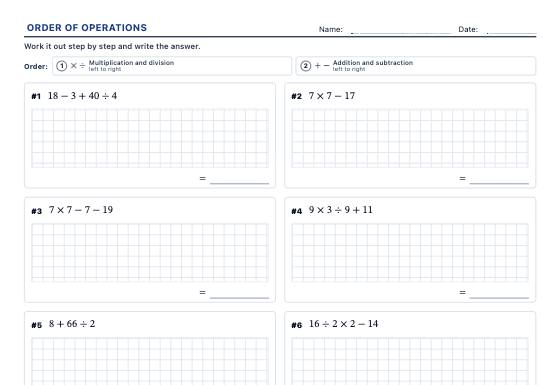
Order of operations worksheets with brackets, nested brackets, powers, roots and negative numbers, with exact results and an answer key that does one operation per line.
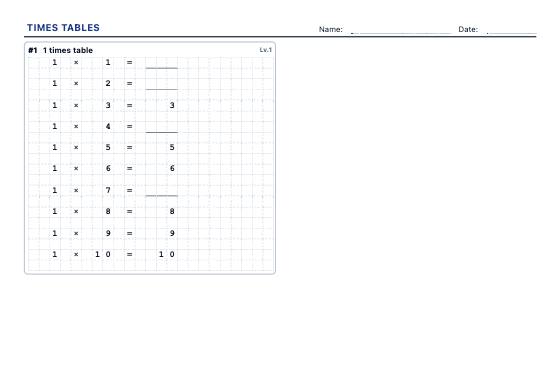
A4 worksheets for the tables you choose: complete the table, shuffled facts, missing factors, multiplication grids and division facts, in three levels with an answer key.
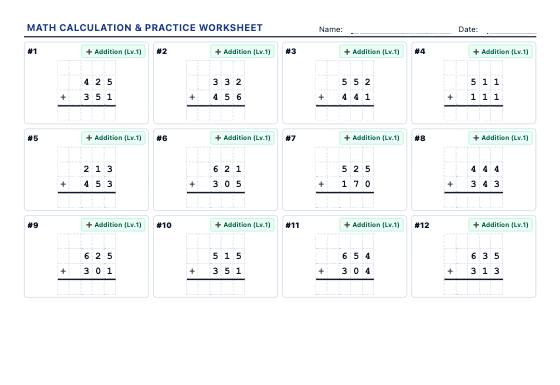
Generate high-density A4 printable worksheets (15-20 problems per sheet) with regrouping addition, borrowing subtraction, multi-digit multiplication, long division, and square roots.