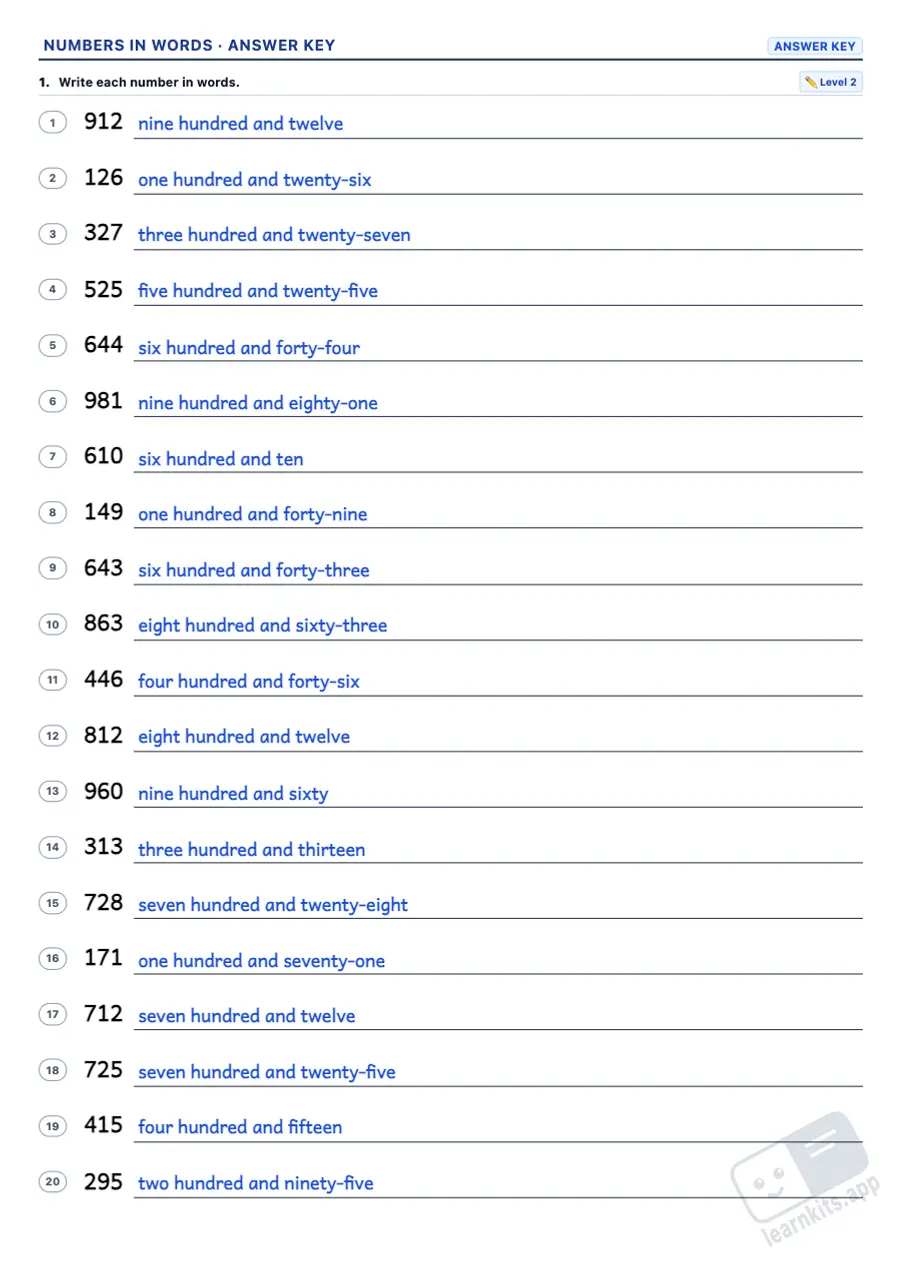
Writing a number in words makes children think about the value of every digit and about spelling: the hyphen in forty-two, the "and" in one hundred and five, forty without a u and hundred with no s. This free numbers in words worksheet generator builds A4 worksheets to write numbers in words and in figures, fill in missing words, match, spot the mistake and practise ordinals, from Grade 1 to Grade 6 and up to the millions, each with its answer key.
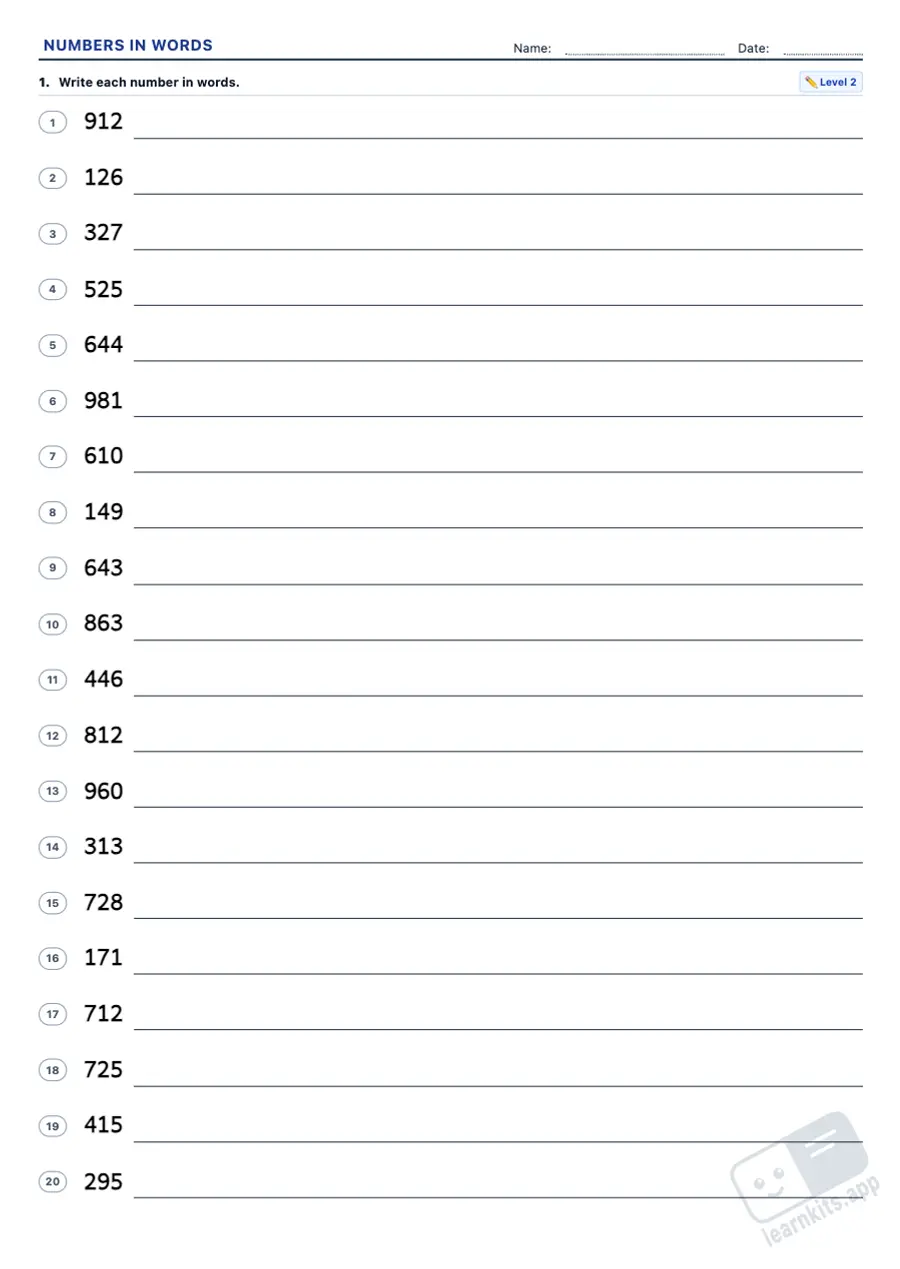
Student worksheet
Answer key
Sample made with LearnKits. Every worksheet is new: choose the topic, level and amount and print it for free.
Figures to words
Lines as long as the number's name at a child's handwriting size. Numbers pick the tricky parts: teens, hyphens, zeros inside, hundreds and thousands.
Words to figures
Reading the name and writing the number is where forgotten zeros show up: two thousand and five is 2,005, not 25.
Fill in and match
To start with: one missing word, or six numbers that look alike (34, 43, 24…) to match with their names.
Is it right?
Half are right and the rest have one mistake: a missing hyphen, fourty, two hundreds, three thousands or words that say another number. The answer key explains the rule.
Ordinals
First, second, third… to one hundredth, with 1st, 2nd, 3rd, 4th and 21st, 22nd, 23rd.
Up to the millions
Six levels, one per grade: to 99, 999, 9,999, 999,999, seven-digit millions and up to 999,999,999.
Frequently asked questions about numbers in words worksheets
What are the rules for writing numbers in words?
Numbers from 21 to 99 take a hyphen (forty-two). Hundred, thousand and million take no s after a number (two hundred, three thousand). In British English "and" goes after the hundreds (one hundred and five) and before a last part under a hundred (two thousand and five). Watch the spelling of forty, fifteen, fifty and ninety.
Do I have to write "and" in one hundred and five?
The worksheets and the answer key use British English, with "and". In American English "one hundred five" is also right, so the "is it right?" exercises never treat a missing "and" as a mistake.
Which grades are these worksheets for?
Grade 1 to Grade 6 (Year 2 to Year 7). Each level is a size of number: to 99 (Grade 1), 999 (Grade 2), 9,999 (Grade 3), 999,999 (Grade 4), seven-digit millions (Grade 5) and up to 999,999,999 (Grade 6). Ordinals have three levels, Grades 1 to 4.
What mistakes come up in "Is it right?"
Real pupils' mistakes: forty two without a hyphen, fourty, ninty, fiveteen, two hundreds, three thousands, two millions, and words spelt right that say another number because a zero moved. Half the exercises are right, and the answer key gives the rule for each mistake.
What is in the answer key?
Every number in words or in figures, the missing words, the letter of each number, the ✓ or ✗ with the right writing and its rule, and every ordinal, all in blue.
Can I mix several exercise types on one worksheet?
Yes. Add exercises of different types and levels; each one has its own instruction. Then drag them, add a page break wherever you like and mix them with exercises from other generators.
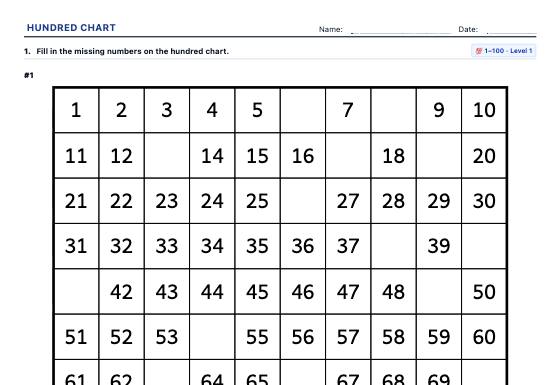
A4 hundred chart worksheets: missing numbers, chart pieces, neighbours (+1, −1, +10, −10), skip counting and colouring patterns, in three levels with an answer key.
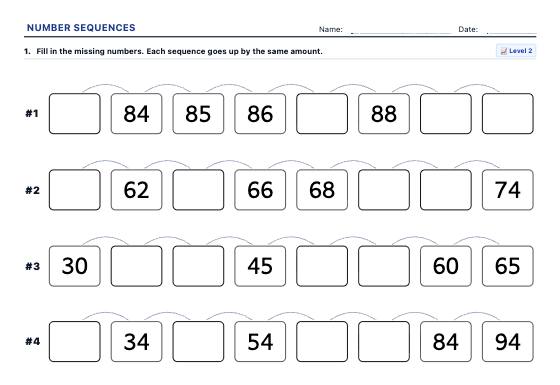
A4 number sequence worksheets: skip counting, counting on and back with missing numbers, continuing a sequence, finding the rule and number patterns, to 20, 100 or 1000.
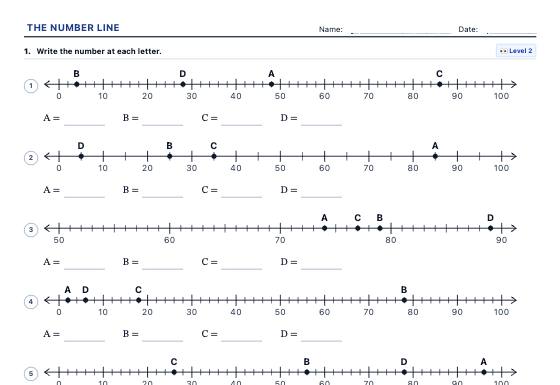
A4 number line worksheets: read and place numbers to 1000, add and subtract in jumps, multiply with equal jumps, negative numbers either side of zero and fractions on a number line.
This feature is not yet available. We are actively building advanced tools for schools, tutoring centers, and teachers.
Notice: All current worksheet generators and printable materials on LearnKits are and will remain 100% free and open. Pro will be an optional enhancement for school institutions.
Features in development:
No Watermark: Print worksheets and answer keys without the LearnKits mark.
Cloud Collections: Access and organize your worksheets from anywhere.
School Branding: Add your school crest and custom header notes.
Direct PDF Export: One-click vector PDF downloads without print popups.
Thank you! We will notify you first as soon as LearnKits Pro becomes available.
Analytics and advertising cookies
We use Google Analytics to learn which resources are used and improve them, and Google AdSense to show ads that keep LearnKits free. If you accept, ads may be personalised; if you reject, they are non-personalised. You can change your choice at any time from the page footer. Cookie policy