One certificate per student
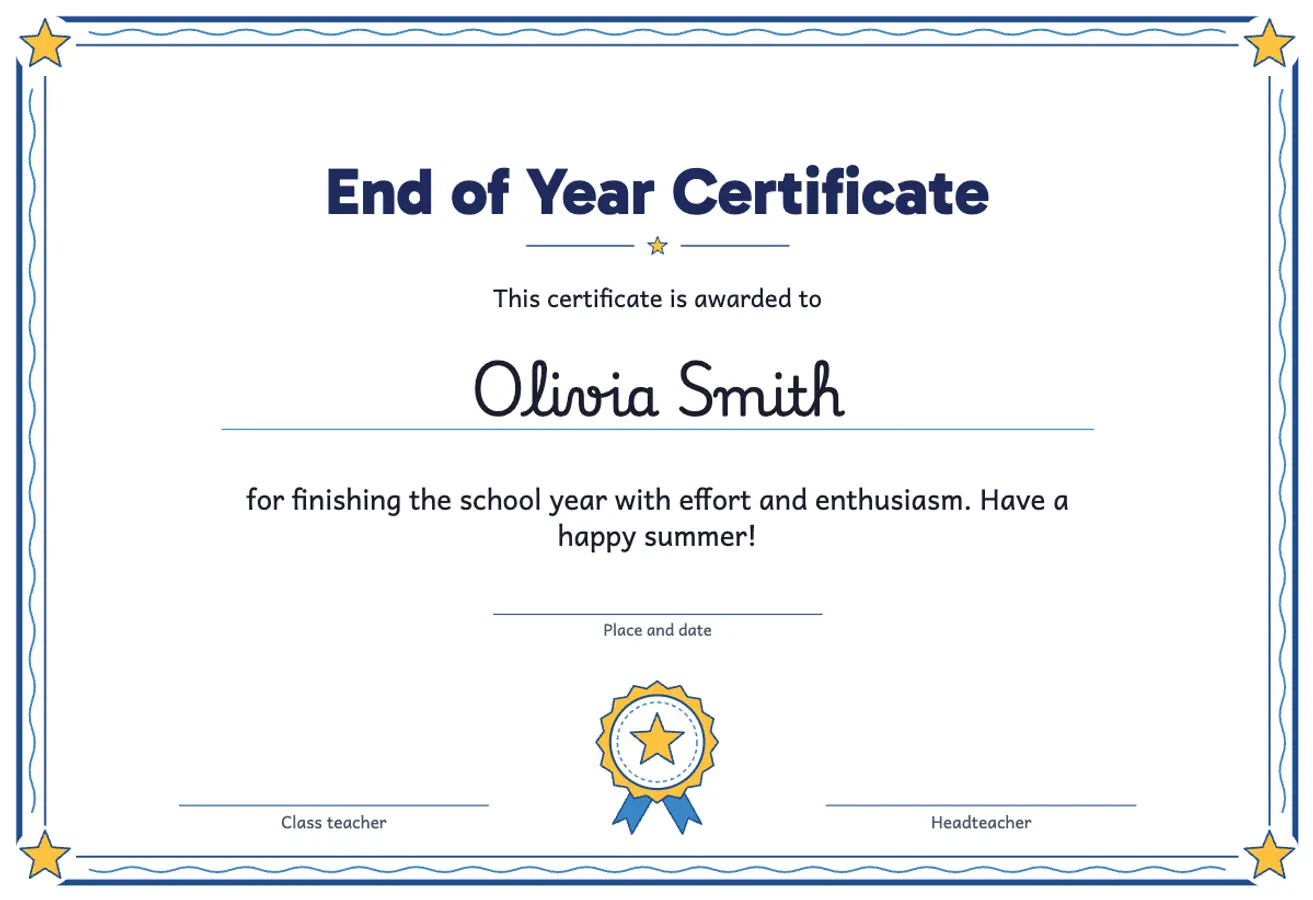
Paste your class list (one name per line, from a spreadsheet or a document) and you get a certificate with each name. Without a list, the name is a line to write by hand.
A certificate is a small gesture that children keep for years. This free certificate maker prints one certificate for each student with their name, straight from your class list: end of year, graduation, effort, reading challenge, kindness or participation awards, with wording suited to each age that you can change.
 Student worksheet
 Paste your class list (one name per line, from a spreadsheet or a document) and you get a certificate with each name. Without a list, the name is a line to write by hand.
Title, opening line and reason are written for every type and stage. Change them, and add the place and date, the school name and who signs.
Playful for the early years (a wavy border, stars and a rosette), friendly for primary (a rounded frame and a medal) and formal for secondary (a double frame and a laurel wreath).
Certificates on A4 landscape or two per sheet at A5 size, with a cutting line in the middle: half the paper for a big class.
In colour, in black and white or with lines only, so they also come out well on the school photocopier.
With LearnKits Pro for schools, the school's logo and name print at the top of every certificate.
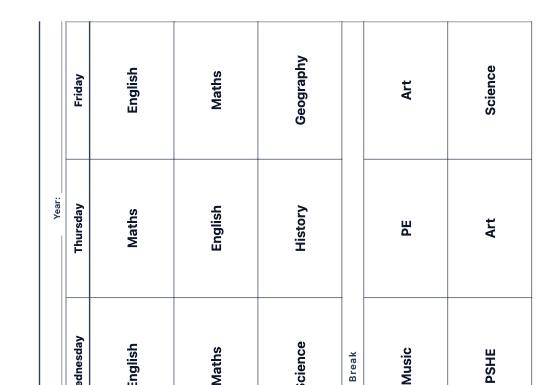
Editable weekly timetables (subjects, times, breaks and days) to put up in class, blank for pupils or visual with frames for picture symbols, and weekly and daily lesson planner sheets for the teacher.
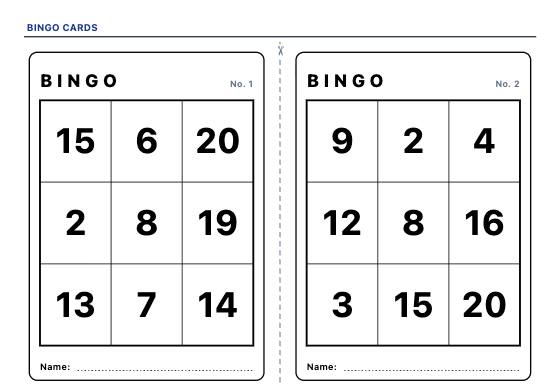
Printable bingo cards, every one different: call the calculation and find the answer on the card, or the number, the word and the picture. With a checklist and call slips to cut out.
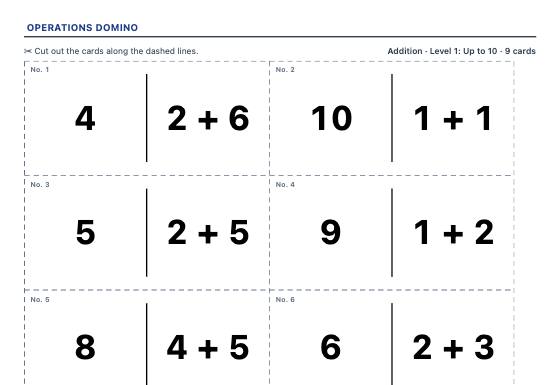
Cut-out domino cards that form one closed chain: every calculation has its answer on another card. No ambiguity, with the solution for the teacher.