7 rubric types
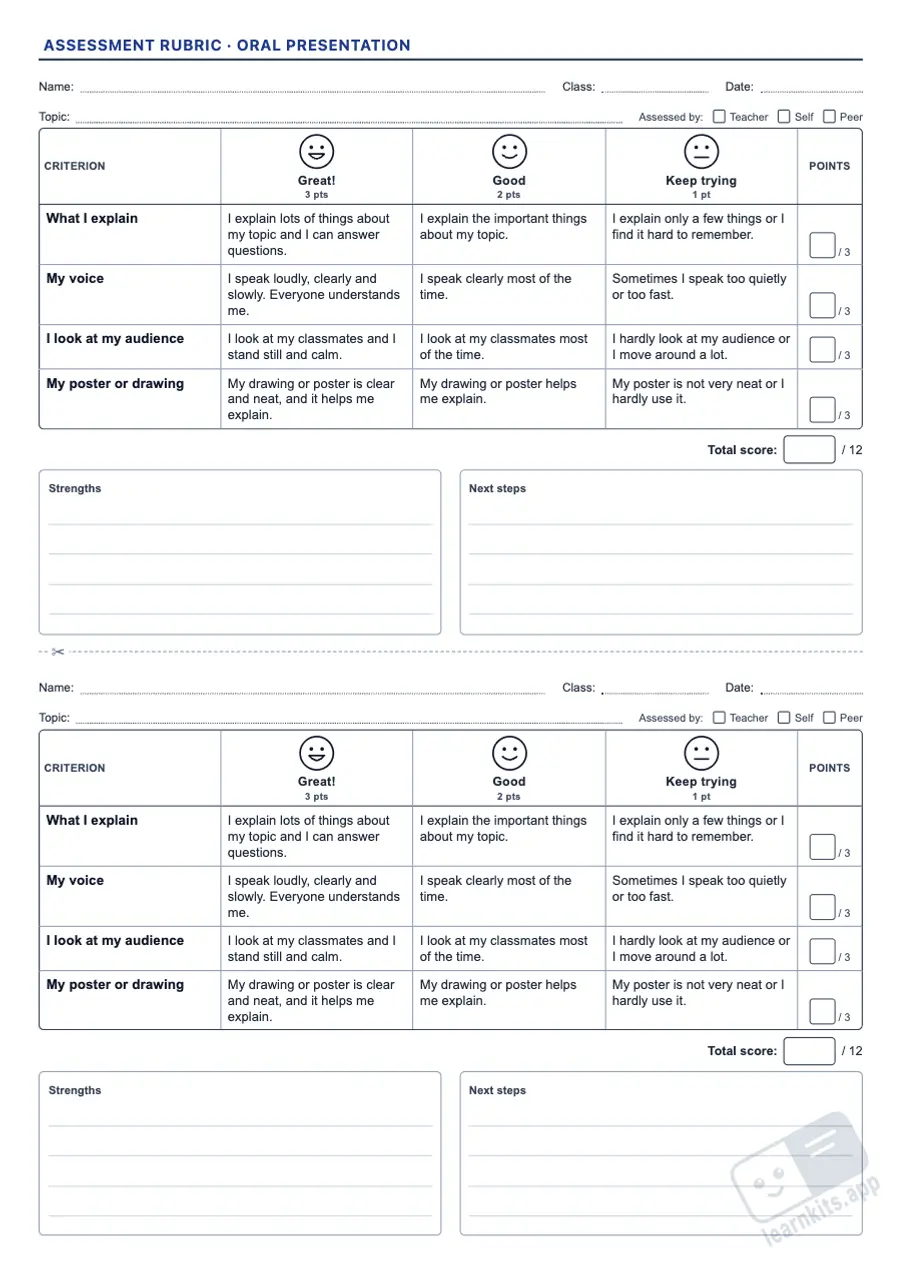
Oral presentation, written work, research project, group work, lab report, reading aloud and class notebook, each with its own criteria.
A rubric makes expectations visible before pupils start a task and lets you assess fairly and consistently. This free assessment rubric generator creates A4 criteria × performance level grids with descriptors written for each stage, points, weights and space for feedback. You can edit them before printing.
 Student worksheet
Oral presentation, written work, research project, group work, lab report, reading aloud and class notebook, each with its own criteria.
Faces to colour in and first-person sentences for Grades 1-2, observable descriptors for Grades 3-6 and weighted analytic rubrics for secondary.
Switch criteria on or off, change their names, weights and descriptors, or add up to three criteria of your own. Saved templates keep your edits.
Points per level, a score box for each criterion and a total, or a final grade out of 10 with weighted criteria. You can also print it without numbers.
Each copy shows who is assessing (teacher, the pupil or a classmate) and has space for strengths and next steps.
Short rubrics print two per A4 sheet with a cutting line; long ones continue on the next sheet without splitting a criterion.
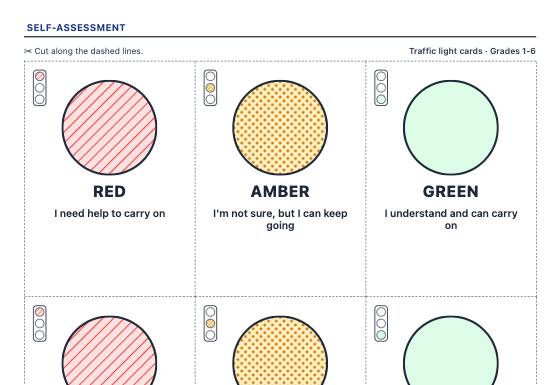
Self-assessment cards to cut out: traffic lights, a 3 or 5 face scale, exit tickets (rating, I learned and I wonder, 3-2-1), a learning target ladder, "I can" checklists with your own statements and group work.
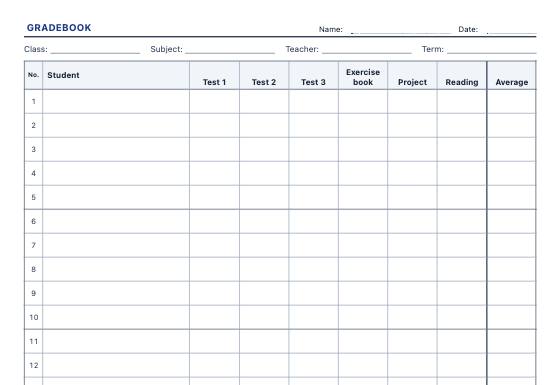
Printable class lists and teacher records: monthly attendance on the real calendar, gradebook with an average column, observation checklists and reading trackers, with editable columns and student names.
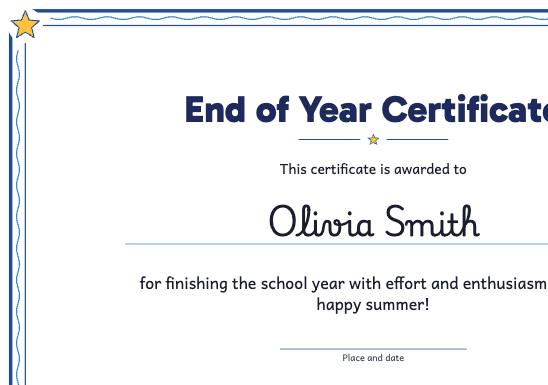
Award certificates with each student's name from your class list: end of year, graduation, effort, reading challenge, kindness or participation, with editable wording and a style for each age.