From 1-10 up to 1-100
Six number levels so every age has its challenge, from ten big dots at age 4 to a hundred dots in grade 2.
Dot-to-dot is a game that practises the number sequence, alphabet order and pencil control all at once: when the last dot is reached, a picture appears. This free printable dot-to-dot generator builds A4 worksheets with our own pictures, dots sized for each age and the finished picture in the answer key.
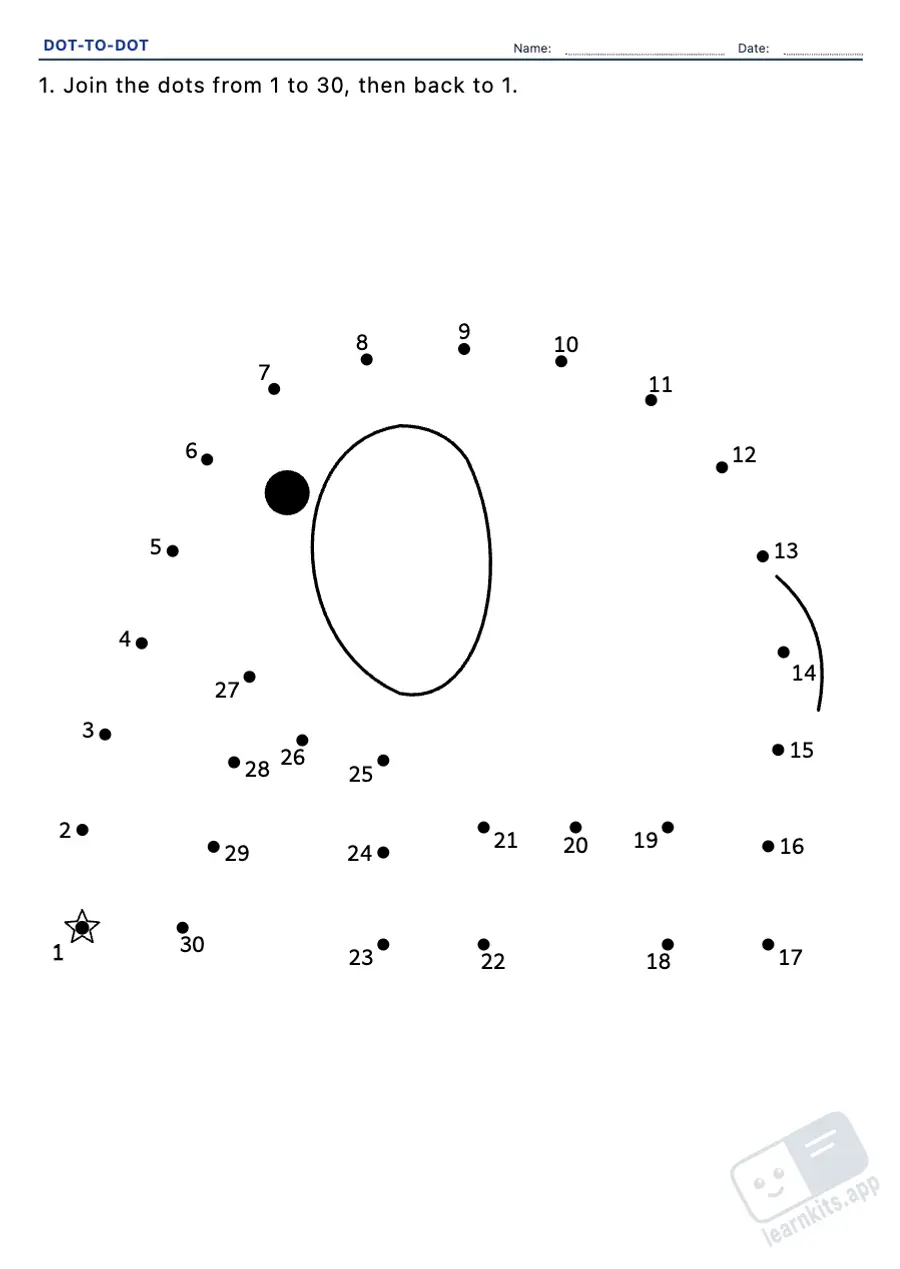 Student worksheet
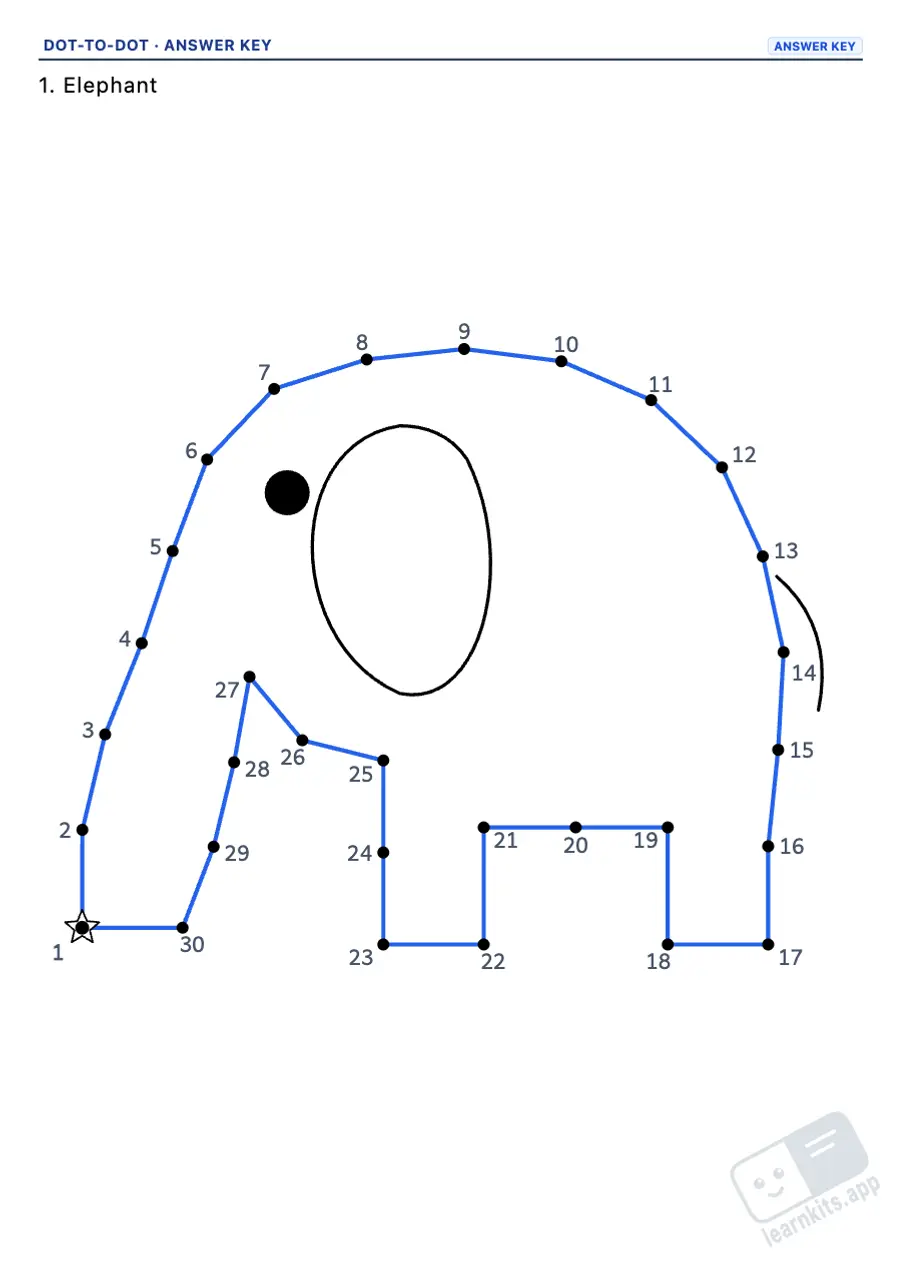 Answer key
Six number levels so every age has its challenge, from ten big dots at age 4 to a hundred dots in grade 2.
Sequences in 2s, 5s and 10s to practise even numbers, the 5 times table and tens while drawing.
Join the letters from A to Z in capitals or lowercase to practise alphabetical order.
Animals, vehicles, nature and objects drawn by us. Each picture is spread over the level's number of dots and keeps its corners, so it is always recognisable.
Big dots, numbers that never overlap or cover the lines, a star on the starting dot and an optional faint outline as a hint.
The finished picture with the path drawn, to check at a glance. Just lines on white paper: Eco-Print.
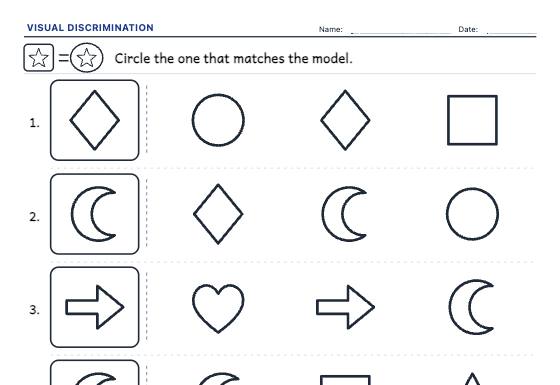
Visual discrimination worksheets for ages 3 to 5: find the one that matches the model, spot the odd one out and match the pairs, with differences in shape, pattern, orientation or small details.
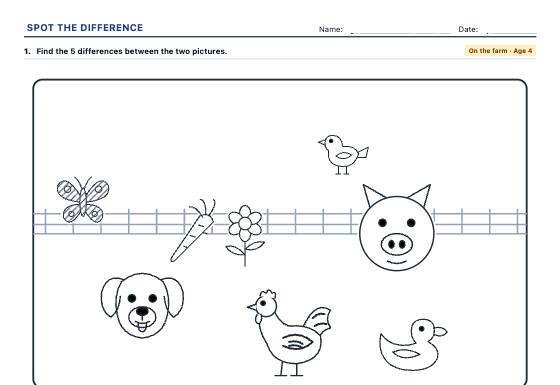
Picture pairs with 3 to 10 differences to find (something missing, swapped, smaller, striped, turned around or moved), in 9 scenes and 4 levels, with the differences circled in the answer key.
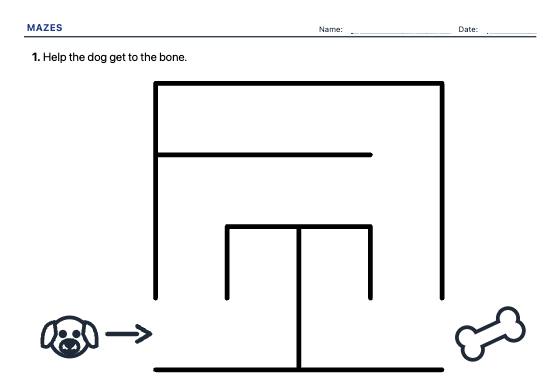
Unlimited A4 mazes, from wide paths for preschool to dense mazes for elementary, square or circular, with the solved path in the answer key.