Number Pyramids and Magic Squares Worksheet Generator

Example ready: change it or print it as it is.

Teacher guide ↓

Teaching guide: number pyramids and magic squares

Number pyramids (also called number walls) and magic squares are calculation dressed up as a puzzle: to find a missing brick or number, pupils choose the operation (add or subtract, multiply or divide), carry it out, and each answer unlocks the next step. This free number pyramid and magic square worksheet generator builds A4 worksheets for Grades 1 to 6 with big boxes to write in and an answer key with every number.
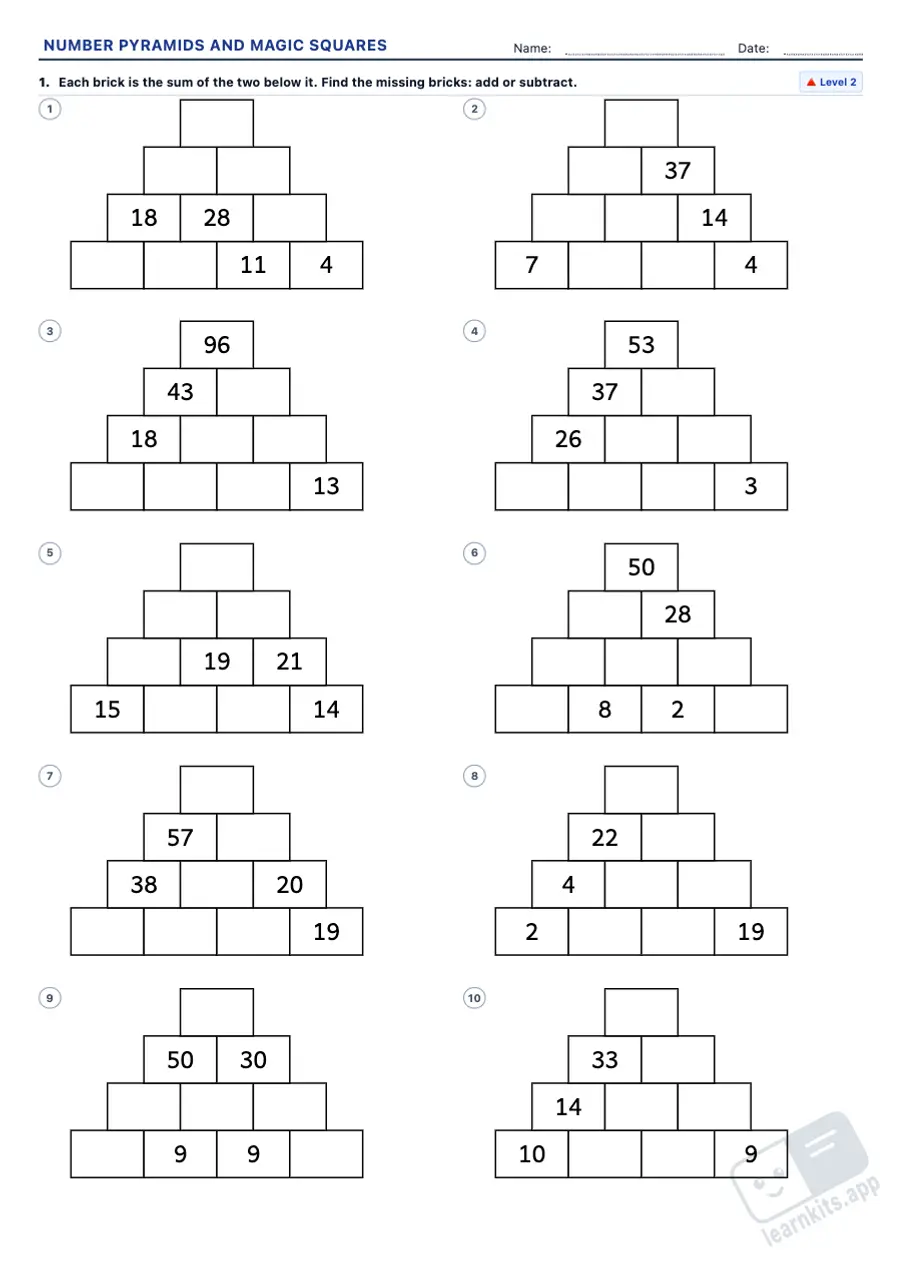
Number Pyramids and Magic Squares Worksheet Generator: sample printable A4 worksheet, first page of the student sheet Student worksheet
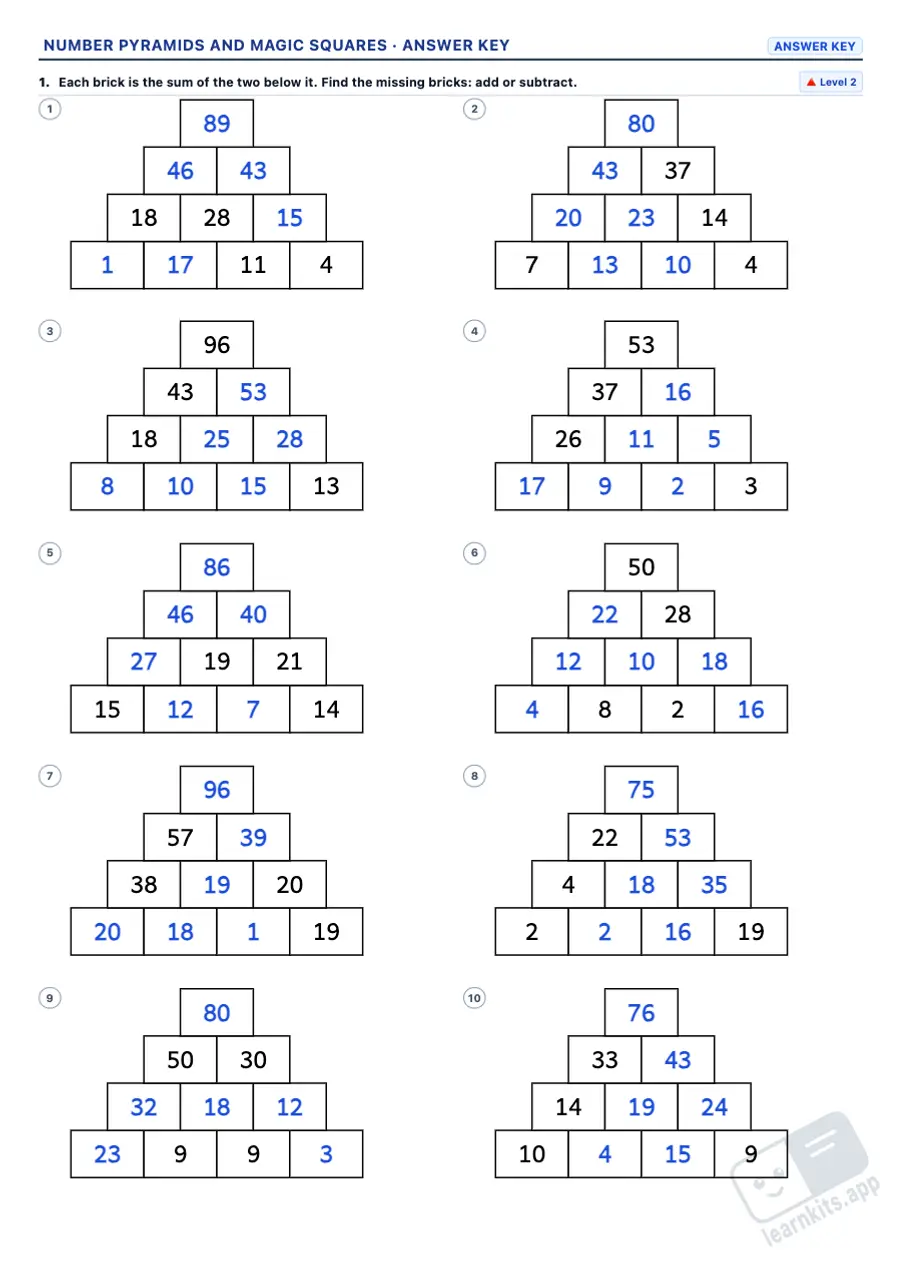
Number Pyramids and Magic Squares Worksheet Generator: sample answer key of the same worksheet, first page Answer key
Sample made with LearnKits. Every worksheet is new: choose the topic, level and amount and print it for free.

From the bottom up

The bottom row is given: pupils add pairs of bricks up to the top. To 20, 100 or 1000, with decimals or with negative numbers.

Missing bricks

Bricks missing in any row: a brick is the sum of the two below, or the one above minus its neighbour. Subtraction as the inverse of addition.

Challenge: think it through

Pyramids that adding and subtracting cannot finish: the top of a three-row block is left + 2 × middle + right. A first step towards equations.

Multiplication pyramids

Each brick is the product of the two below: times tables, products to 1000 and exact divisions when bricks are missing.

Magic squares

3 × 3 to 20 or 100 and 4 × 4: each missing number is the magic sum minus the rest of its line. At level 3 pupils find the magic sum too.

Is it magic?

Adding the eight lines of a 3 × 3 (or the ten of a 4 × 4) and deciding: mental maths with a reason to check.
Frequently asked questions about number pyramids and magic squares

Which grades are these worksheets for?
Grades 1 to 6 (Years 2 to 7). Addition pyramids go from numbers to 20 (Grade 1) to 1000 (Grades 3 and 4), with decimals in Grade 5 and negative numbers in Grade 6. Multiplication pyramids start in Grade 3 and 3 × 3 magic squares in Grades 2 and 3; 4 × 4 squares and the pyramid challenge are for Grades 5 and 6.
Does every pyramid and square have only one answer?
Yes. Every puzzle is checked by an exact solver (the links between the cells as a system of equations) and only used when its solution is unique. It can also always be solved step by step: each missing number comes from one addition, subtraction, multiplication or division of numbers you already know, and only the Challenge level needs the three-row block rule.
How do you solve a pyramid with bricks missing at the bottom?
By subtracting: if you know a brick and one of the two below it, the other is the top one minus the one you know. In multiplication pyramids it is the same with division. That is how pupils practise inverse operations.
How are the magic squares made?
None is typed by hand. 3 × 3 squares come from the formula behind every 3 × 3 magic square (a centre and four differences), and 4 × 4 squares from Dürer's square, the Jaina square and the diagonal-complement square, turned, reflected, shifted, multiplied and added to. Every row, column and diagonal is checked before a square is used.
What is in the answer key?
Every missing brick and number in blue, the magic sum when it had to be found and, on the squares to check, the total of every row, column and diagonal with the answer ticked.
Can I mix pyramids and squares on one worksheet?
Yes. Add exercises of different types and levels; each one has its own instruction. Then drag them, add a page break wherever you like and mix them with exercises from other generators.
What other worksheets go well with these?
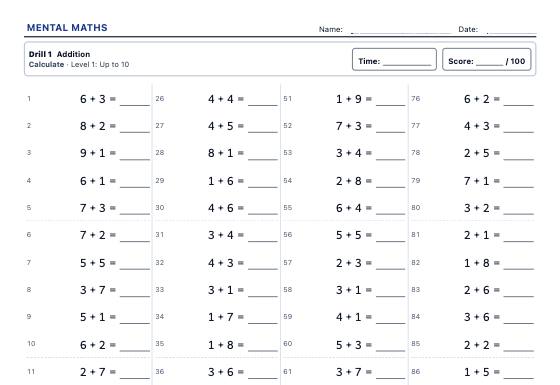
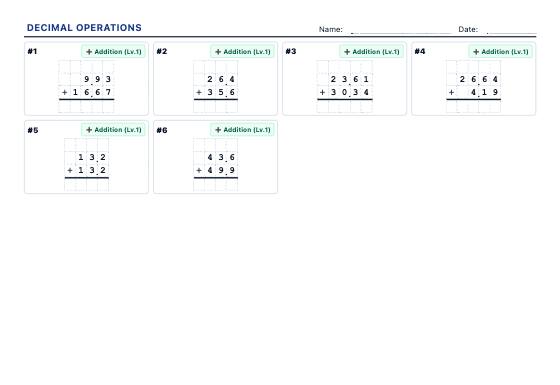
The mental maths drills and times tables worksheets build the operations, number sequences practise patterns, and integer operations and decimal operations come next. Find every resource under maths worksheets.
Is any pupil data sent anywhere?
No. Worksheets are generated in your browser and templates are saved in your browser's memory.