Copy the picture
The model on the left and an empty grid on the right. Pupils count rows and columns to colour each square in the same place. In Grade 3, at double size or onto a dot grid with no lines.
Copying a picture square by square, following an arrow code or finding a square from its coordinates are some of the clearest ways to build spatial awareness: left and right, up and down, counting squares and finding your way around a grid. This free grid drawing worksheet generator makes A4 worksheets from Kindergarten to Grade 3 with our own pictures (houses, rockets, cats, robots, castles…), always different and with an answer key.
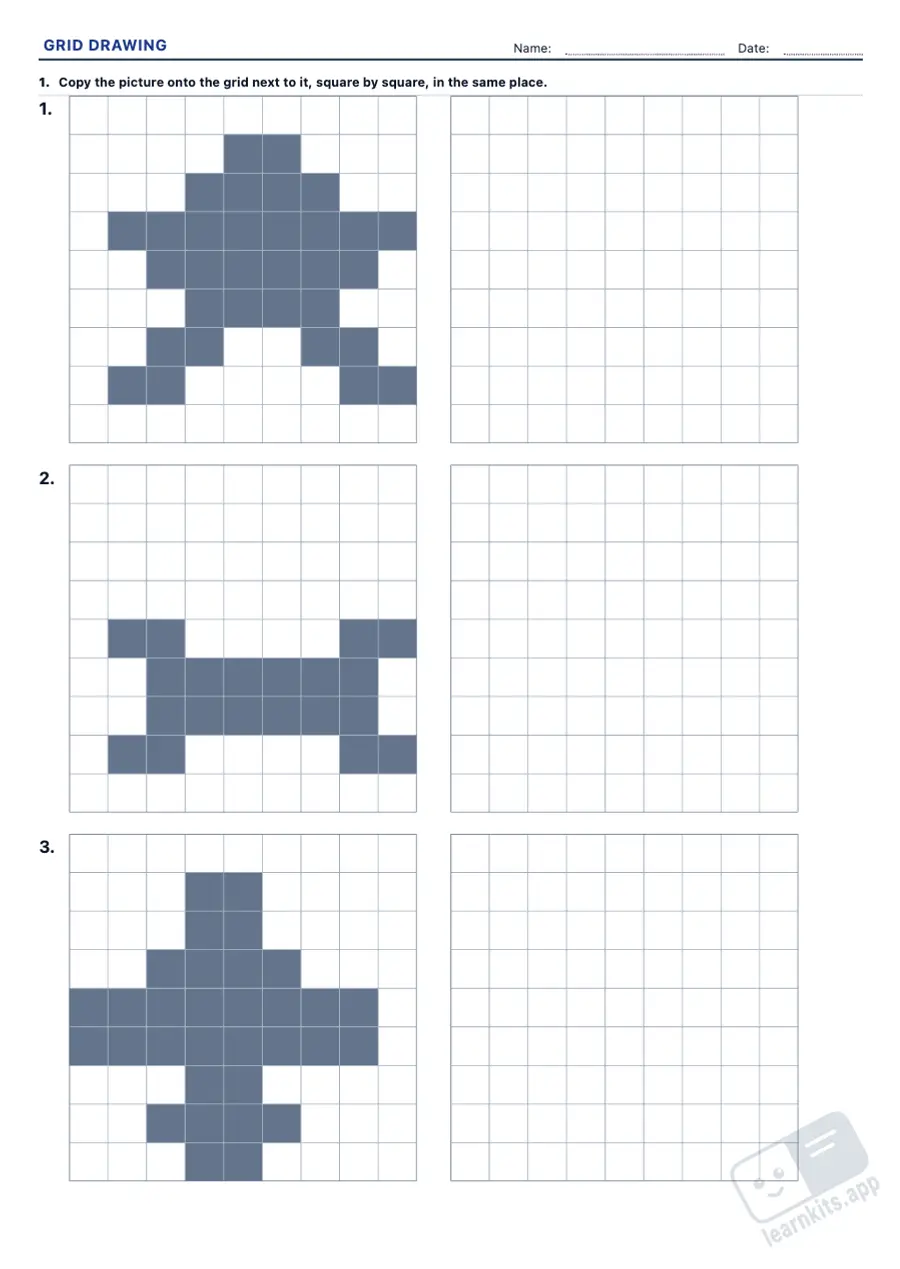 Student worksheet
 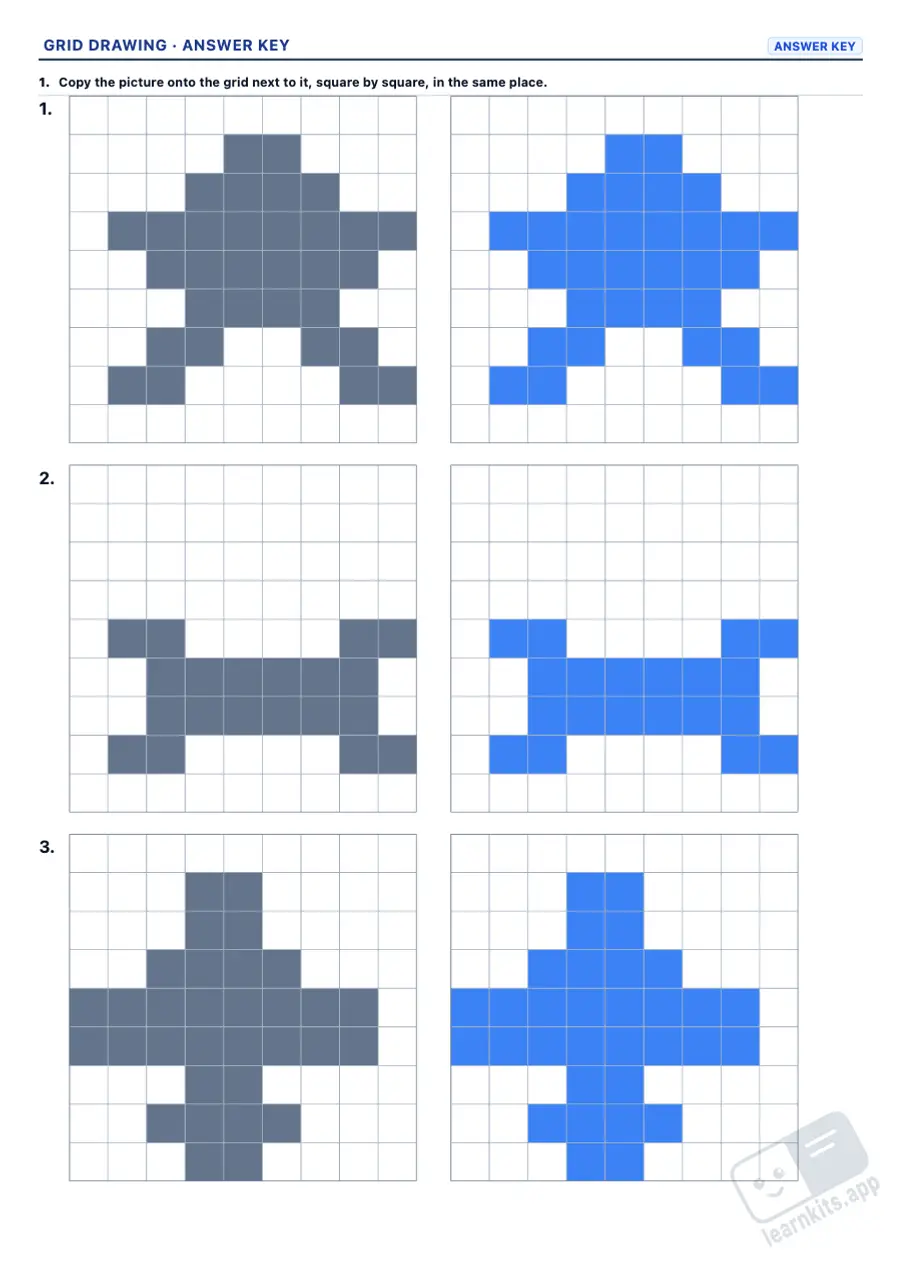 Answer key
 The model on the left and an empty grid on the right. Pupils count rows and columns to colour each square in the same place. In Grade 3, at double size or onto a dot grid with no lines.
From a marked dot, each number and arrow says how many squares to move and which way. Followed correctly, the path closes back at the start and draws the outline of a picture.
The reverse task: the path is already drawn and pupils write its code. In Grade 1 only the numbers, with the arrows printed; from Grade 2, the number and the arrow of every step.
Coordinates as in Battleships: A3 is column A, row 3. Colouring every square on the list reveals a picture, and pupils write what it is.
Grids grow from 7 × 7 to 14 × 14, so do the pictures, and arrow codes go from 12 to 36 arrows. From Grade 2 a code may start at any corner and go round either way.
One-colour pictures print in grey. With the colour option, each colour prints as a pattern with its name, so pupils colour with the right one.
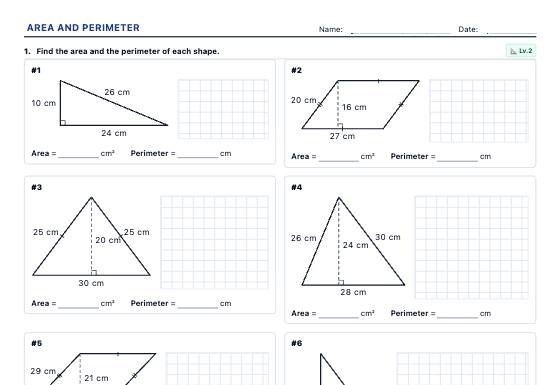
Area and perimeter worksheets with shapes drawn to scale: squared grids, polygons, circles, composite shapes, estimating irregular areas on a map and missing sides, with a step-by-step answer key.
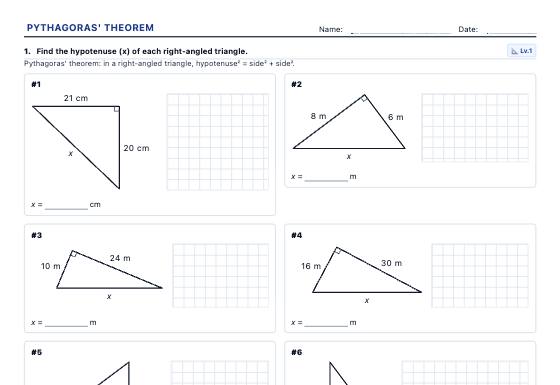
Pythagoras' theorem worksheets with triangles drawn to scale: find the hypotenuse and the shorter sides, test whether a triangle is right-angled, diagonals and heights of shapes, word problems and the squares picture, with a step-by-step answer key.
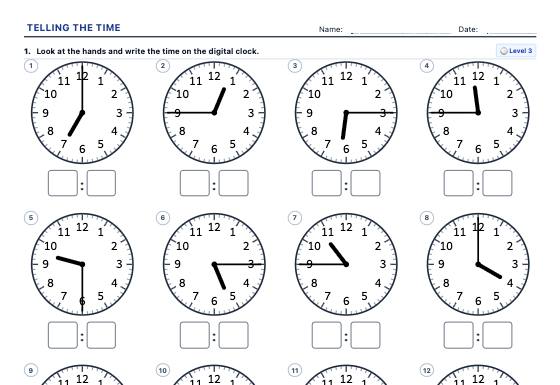
A4 worksheets for telling the time: read analogue clocks, draw the hands, the time in words (quarter past, half past, quarter to), what time it will be and the 24-hour clock.