Printable writing frames and guided writing worksheets

A4 writing frames for real texts: the task, a planning box, the parts of the text, lines sized for each age and a self-check list, from Grade 3 to Grade 10.

What do you want to practise?

Teacher guide ↓

Teaching guide: guided writing step by step

Pupils learn to write well by writing with clear scaffolding: knowing what to write, planning their ideas, following the structure of the text type and checking the result. This free guided writing worksheet generator creates A4 writing frames for eight text types, from Grade 3 to Grade 10, with a different topic on every copy and a teacher guide with a rubric for assessment.
For
Elementary 3rd, 4th, 5th, 6th · Middle & High 7th, 8th, 9th, 10th (ages 8-15)
Subject
Language & Literacy › Writing & Handwriting
Includes
Student sheet and teacher guide
Format
A4, to print or save as PDF; new exercises every time
Price
Free, no sign-up
Available in
Catalan, Spanish, English
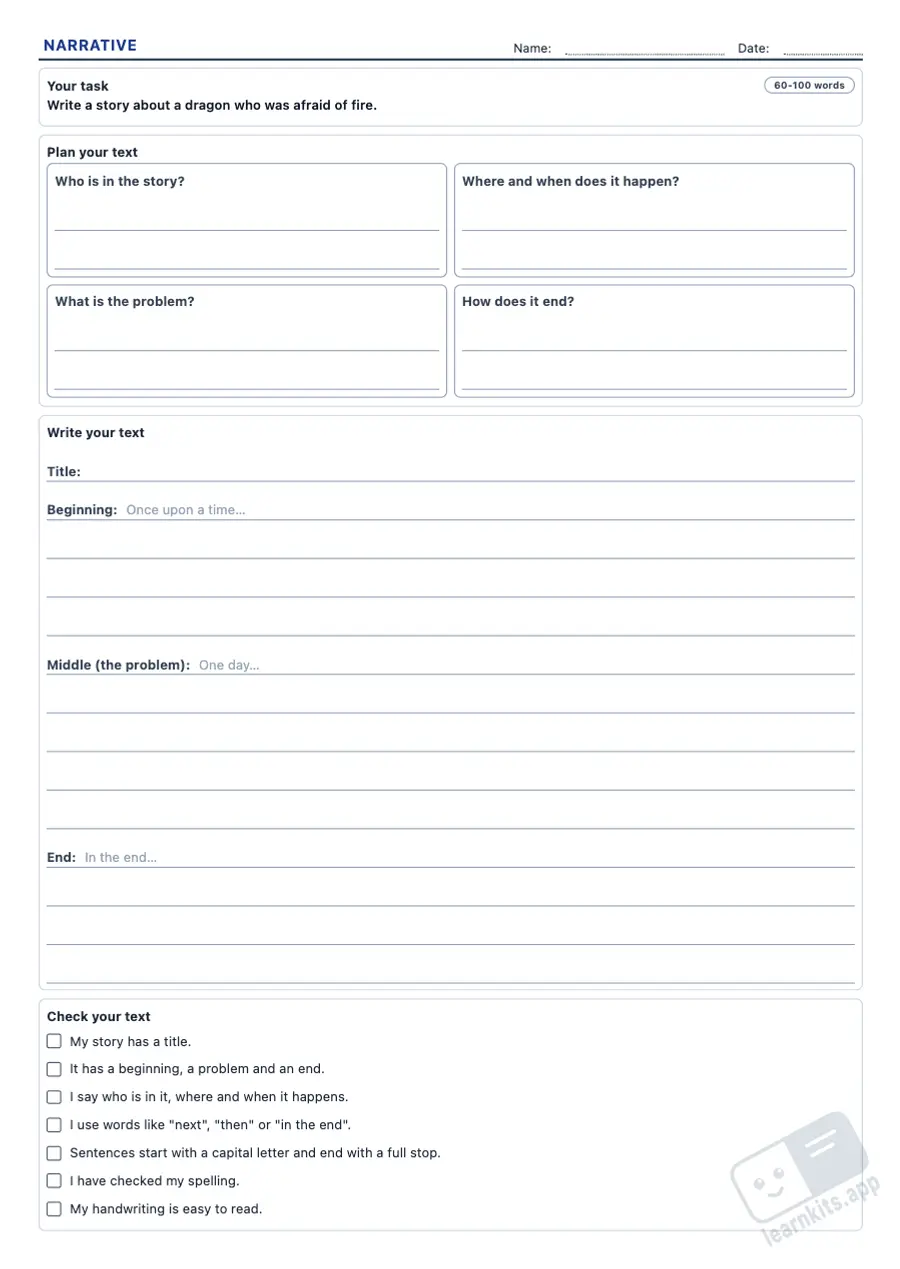
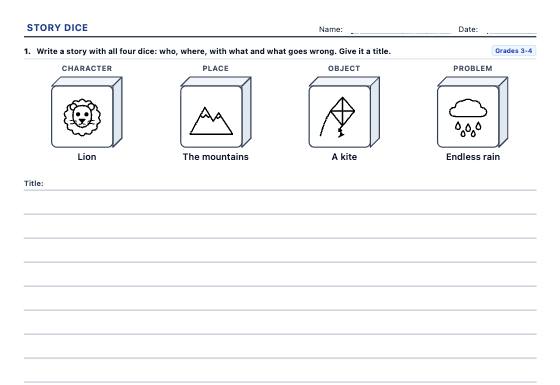
Printable writing frames and guided writing worksheets: sample printable A4 worksheet, first page of the student sheet Student worksheet
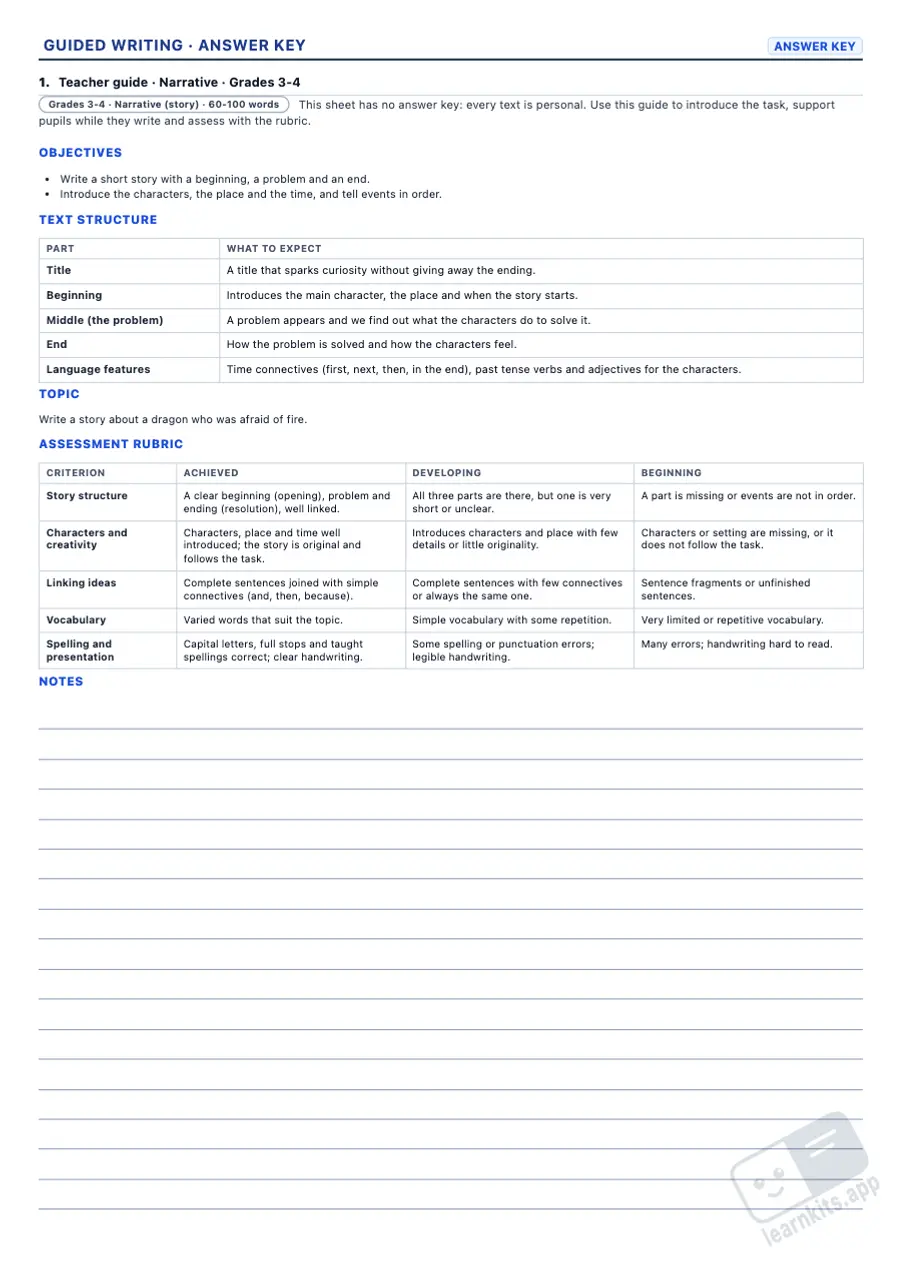
Printable writing frames and guided writing worksheets: sample teacher guide of the same worksheet, first page Teacher guide
Sample made with LearnKits. Every worksheet is new: choose the topic, level and amount and print it for free.

Task and topic

Every copy sets a different topic from the bank (over 200 topics per language), or your own topic, so no two pupils write the same text.

Planning box

The key questions of each text type: characters and conflict, the six questions of a news report, thesis and arguments, equipment and steps…

Text structure

The writing area marks the parts of the text (opening, problem and resolution; greeting, body and sign-off; headline and opening paragraph…) with sentence starters for younger pupils.

Lines by age

9 mm lines in Grades 3-4, 8 mm in Grades 5-6, 7.5 mm in Grades 7-8 and 7 mm in Grades 9-10, with a second page for longer texts.

Self-check list

Tick boxes for pupils to check their own text: features of the text type, connectives, spelling and presentation, adapted to each stage.

Teacher guide with rubric

Objectives, what to expect in each part, language features, the topic of each copy and a three-level rubric ready for assessment.
Frequently asked questions about guided writing worksheets

Which text types can I teach?
Narrative (story), description, personal letter, formal letter, email, news report, opinion text and instructions. Each stage offers the text types that suit it: formal letters and opinion texts start in Grade 5, and emails in Grade 7.
Does every pupil get a different topic?
Yes. Every copy takes a different topic from the bank for its text type and stage, and none repeats until all have been used. Select the copies on the sheet and click New to deal out a new set. If you want the whole class to write about the same thing, type it in the wizard's "Your own topic" step.
Why is there no answer key?
Because every text is personal. Instead, the worksheet comes with a teacher guide: objectives, what to expect in each part of the text, the language features to teach, the topic of each copy and a three-level assessment rubric.
What line spacing does it use?
By default, 9 mm in Grades 3-4, 8 mm in Grades 5-6, 7.5 mm in Grades 7-8 and 7 mm in Grades 9-10. In the wizard's More options, under "Line spacing", you can choose anything from 6 to 10 mm, for example for pupils who need wider lines.
Does it all fit on one page?
Up to Grade 8, the task, planning box, writing area and self-check list fit on one page. In Grades 9-10 the text continues on a second page. You can force one or two pages per copy under "Writing space", and remove the planning box or the self-check list to get more lines.
Which other language worksheets go well with these?
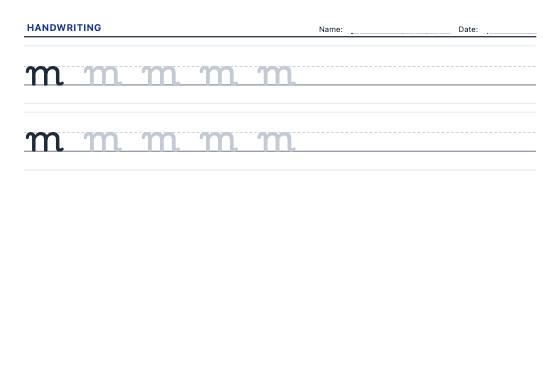
To read before writing, use the book report worksheets; for neat handwriting, the handwriting practice sheets; to practise spelling, the spelling worksheets; and to assess with your own criteria, the assessment rubric generator. Find every resource of the subject in Language.
Is my pupils' data sent to a server?
No. The worksheets are created in your browser and nothing leaves your computer. Templates you save stay in your browser's memory.