How it works
The picture is a grid split into areas with thick outlines. Each area holds one calculation; pupils work it out, find the answer in the colour key and colour the area. Background areas stay white.
Colour by number maths worksheets turn a page of calculations into a puzzle: every area of the picture has an addition, a subtraction, a times table fact or a division, and the key says which colour goes with each answer. Get the sums right and the picture appears. This free worksheet generator makes A4 sheets for Grades 1 to 3 with our own pictures (houses, rockets, cats, robots, fish…), always different and with a coloured answer key.
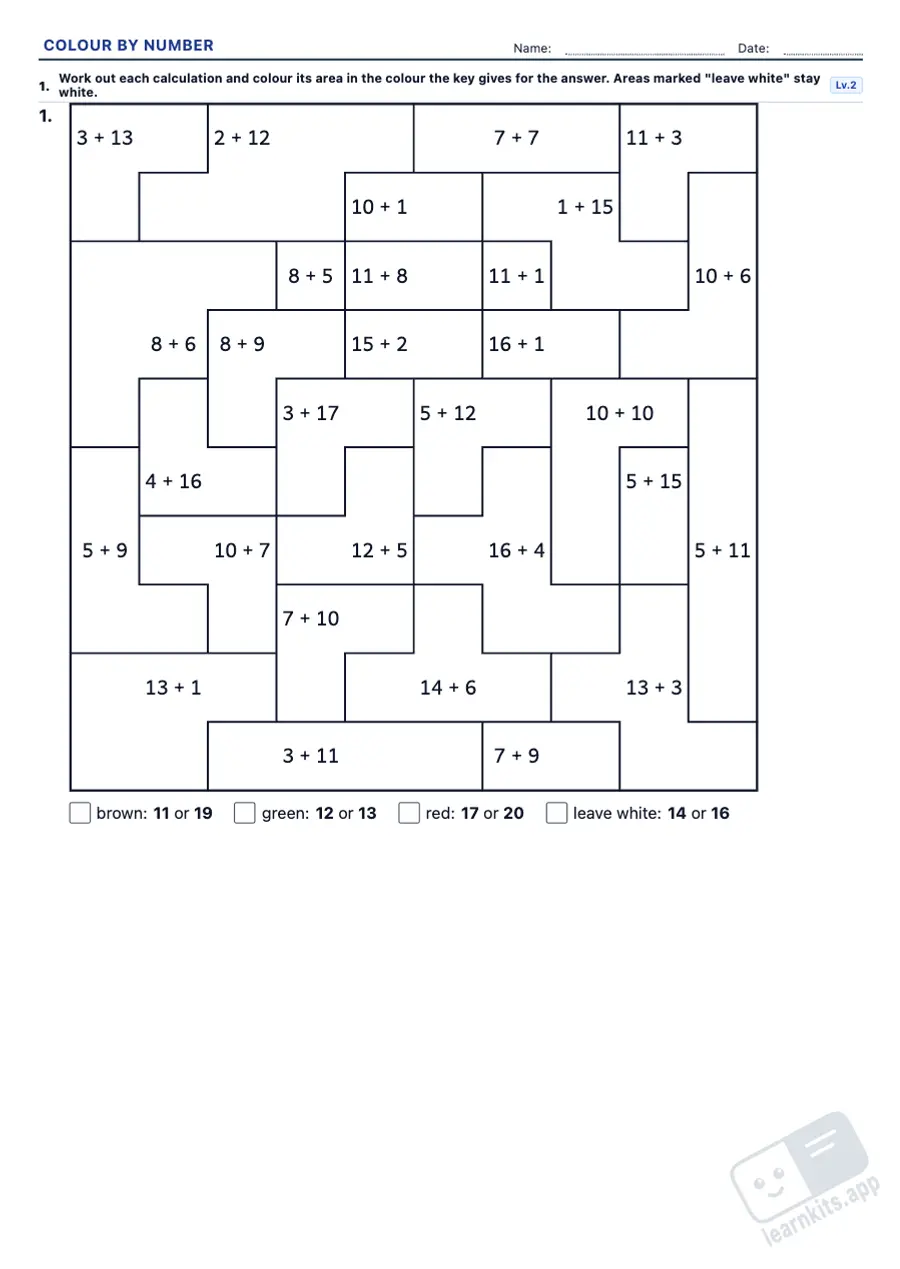 Student worksheet
 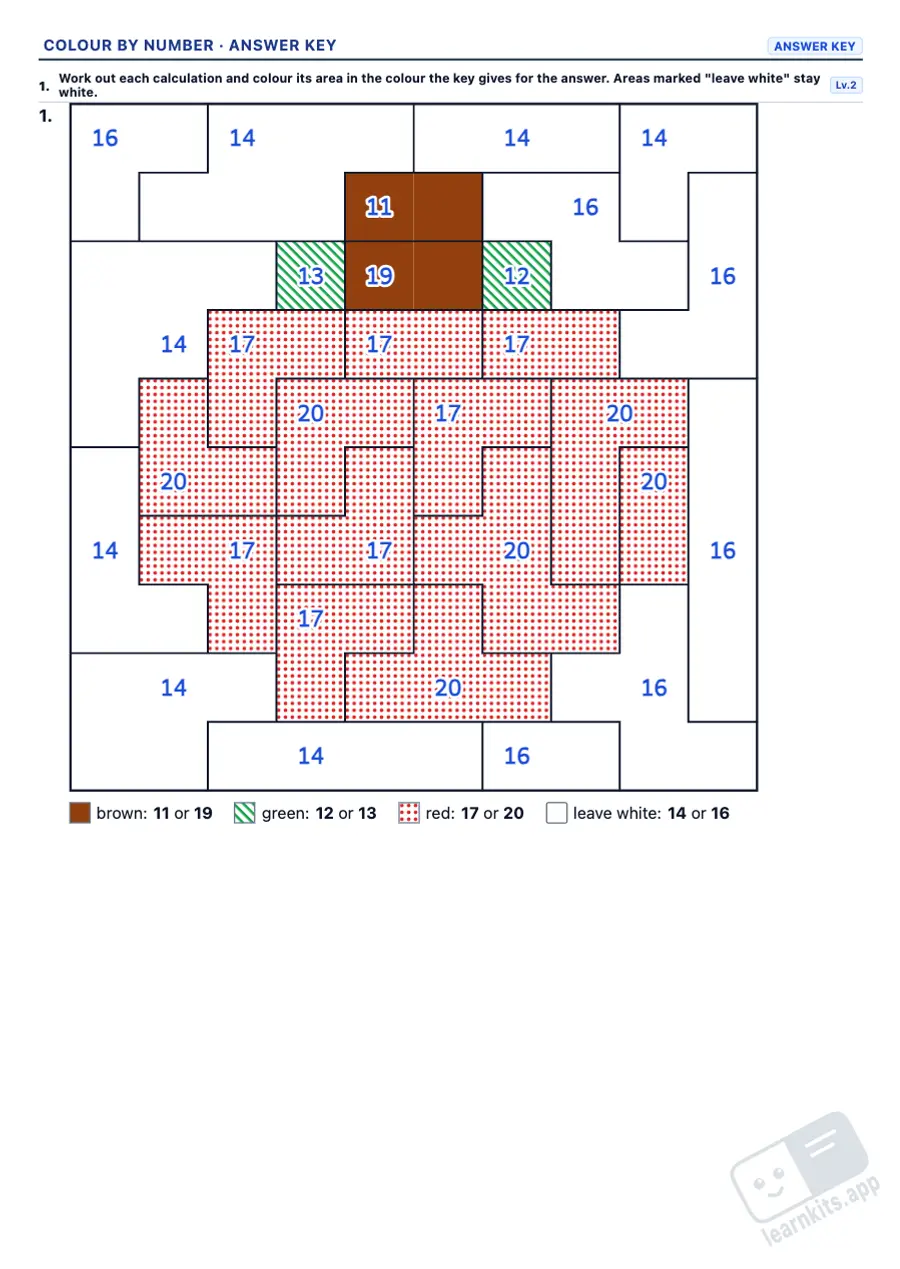 Answer key
 The picture is a grid split into areas with thick outlines. Each area holds one calculation; pupils work it out, find the answer in the colour key and colour the area. Background areas stay white.
Within 10 and within 20 in Grade 1 (with and without crossing ten), then two-digit numbers to 100 in Grade 2, without and with carrying or exchanging. Additions and subtractions can be mixed in one picture.
The 2, 5 and 10 times tables in Grade 2 and every table in Grade 3; divisions are always exact, the times tables backwards. Both can be mixed in one picture.
Each colour has its own answers and no answer belongs to two colours, so every calculation fits one colour only. Calculations are spread over the areas with no pattern to give them away.
The custom level sets how far additions and subtractions go and whether they need carrying, or which times tables are used; the random level gives every picture different values within your limits.
The pupil's sheet is just lines and numbers. In the answer key each colour prints as a pattern with its name, so it still reads clearly in black and white.
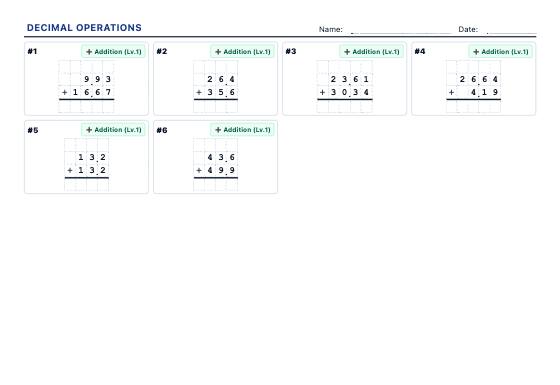
Column addition, subtraction, multiplication and long division with decimals, the decimal point lined up on the grid: placeholder zeros, decimal by decimal, decimal divisors and quotients to 2 decimal places.
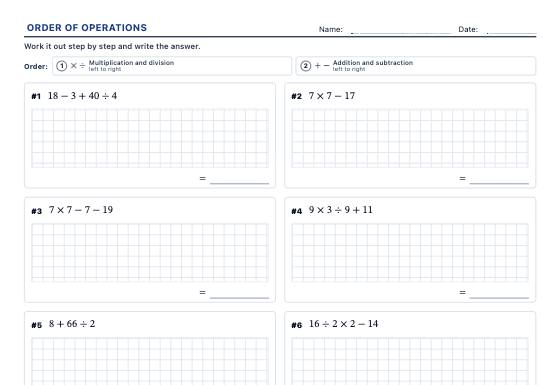
Order of operations worksheets with brackets, nested brackets, powers, roots and negative numbers, with exact results and an answer key that does one operation per line.
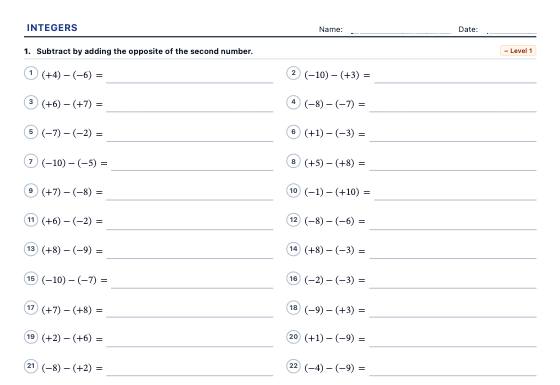
A4 integer worksheets: the number line, opposites and absolute value, comparing and ordering, adding, subtracting, removing brackets, multiplying, dividing and powers with the sign rules.