Order of operations worksheets to print, with answers

Create A4 order of operations worksheets, from expressions with no brackets to nested brackets, powers, square roots and negative numbers, with an answer key that does one operation per line.

What do you want to practise?

Teacher guide ↓

Teaching Guide: the Order of Operations

Expressions with several operations are always worked out in the same order of operations (BODMAS or PEMDAS): brackets first, from the inside out, then powers and roots, then multiplication and division from left to right, and finally addition and subtraction from left to right. This free generator creates A4 worksheets for Grades 5 to 8 with always exact results and an answer key that does one operation per line.
For
Elementary 5th, 6th · Middle & High 7th, 8th (ages 10-13)
Subject
Mathematics › Arithmetic
Includes
Student sheet and answer key
Format
A4, to print or save as PDF; new exercises every time
Price
Free, no sign-up
Available in
Catalan, Spanish, English
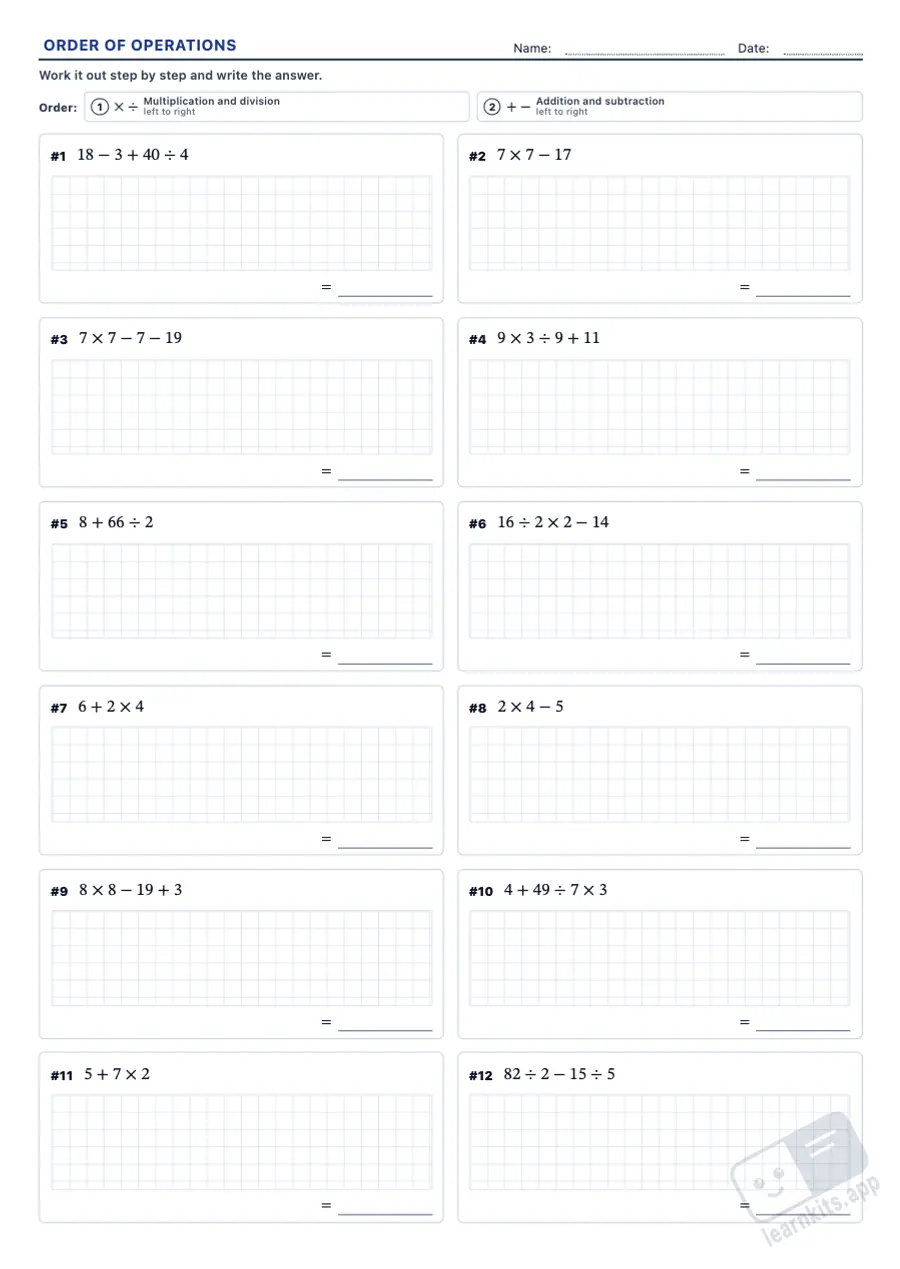
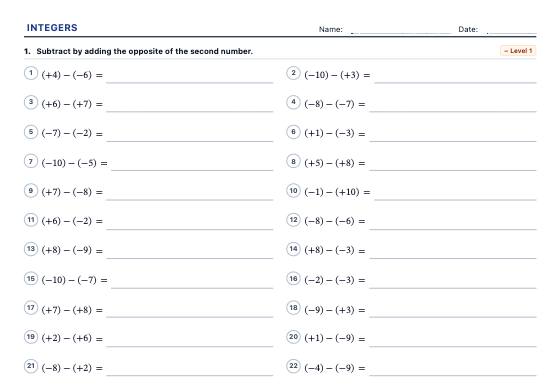
Order of operations worksheets to print, with answers: sample printable A4 worksheet, first page of the student sheet Student worksheet
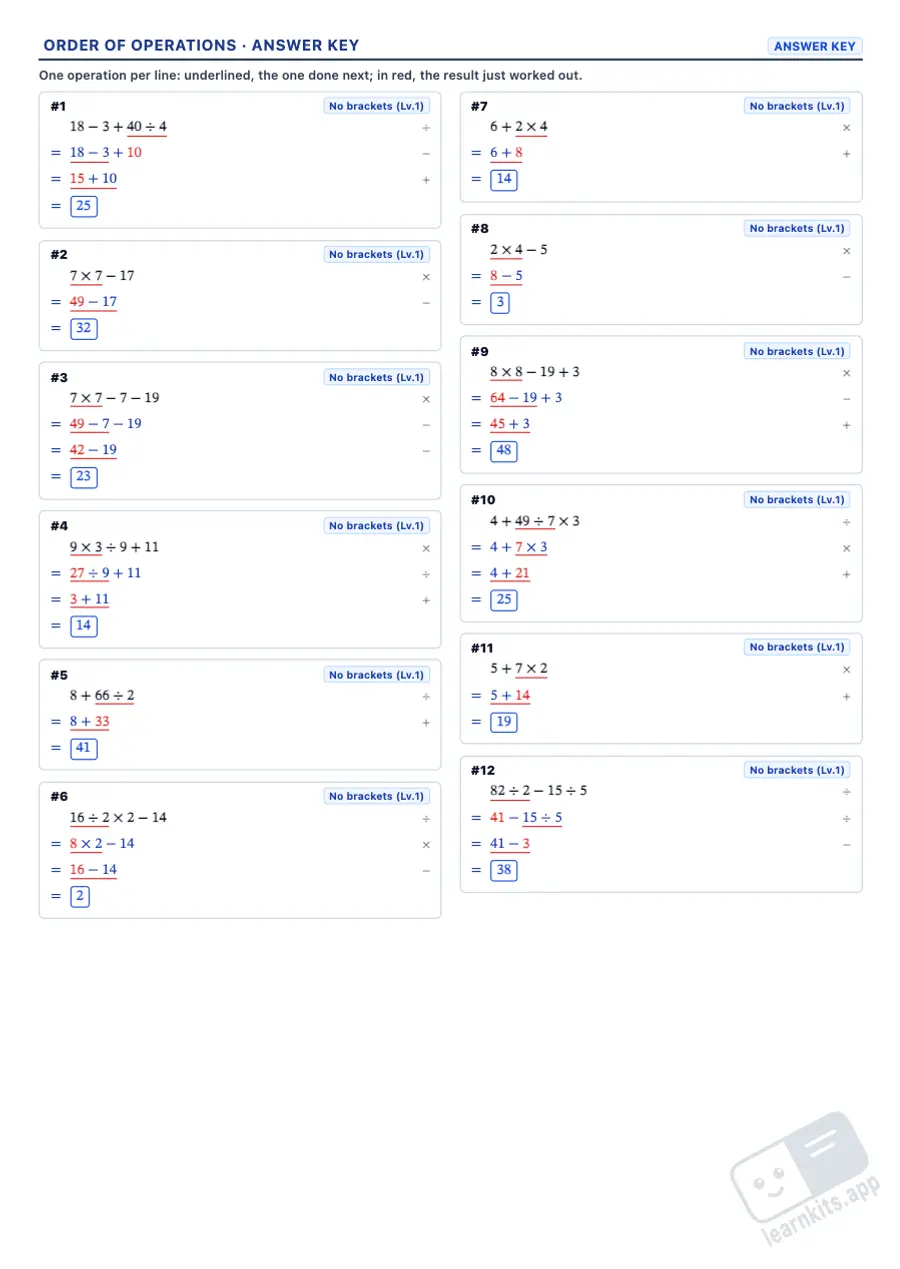
Order of operations worksheets to print, with answers: sample answer key of the same worksheet, first page Answer key
Sample made with LearnKits. Every worksheet is new: choose the topic, level and amount and print it for free.

Five expression types

No brackets, brackets, nested brackets, powers and roots, and negative numbers, each with three levels or a custom level.

Exact results

Every division is exact and, outside the negative numbers type, no step gives a negative number, so pupils practise the order without getting stuck.

One operation per line

The answer key underlines the operation to do next and shows the result in red, so pupils see why each step comes when it does.

Order reminder

Each sheet can carry a strip with the order of operations, matched to what is on the page.

Multiplication sign

Choose the times sign (×) or the dot (·); division is written with ÷.

Always new expressions

The “New” button creates fresh expressions with the same settings, never repeating one within an exercise: great for homework, practice and tests.
Frequently Asked Questions about the Order of Operations

What is the order of operations?
Brackets first, starting with the innermost; then powers and roots; then multiplication and division, from left to right; and finally addition and subtraction, also from left to right. BODMAS and PEMDAS are two ways of remembering it.
Why are multiplication and division done from left to right?
Because they have the same priority: in 24 ÷ 4 × 2 you divide first (6) and then multiply (12). Multiplying first would give 3, which is wrong. The same goes for addition and subtraction: 10 − 4 + 2 = 8.
Which grades is this worksheet for?
Grades 5 to 8. No brackets and brackets in Grades 5 and 6; nested brackets, powers and roots in Grades 6 and 7; and negative numbers in Grades 7 and 8.
Can I match the level to my class?
Yes. Choose the Custom level and decide how many operations each expression has (2 to 7), how many levels of brackets (round, square and curly), which powers and roots appear, the largest number in additions and subtractions (10, 20, 50 or 100) and how far the times tables go for multiplication and division (5, 10 or 12). Every expression has exactly what you choose, with exact divisions and the step-by-step answer key.
Can the answers be decimals or negative numbers?
No. Every division is exact and every step gives a whole number; only the With negative numbers type has negative numbers, also with exact results.
What if pupils are not yet confident with written methods?
Practise them first with the Math Operations Worksheet Generator, on squared paper with a step-by-step answer key.
How do I print only the answer key?
Click “Print” and choose “Answer key”; “Worksheet and answer key” prints both in one go. You can check it first in the Answer key view at the top.
Is any student data sent to a server?
No. Every expression is created in your browser and no student data is stored. Templates are kept in your browser’s memory.