Five templates
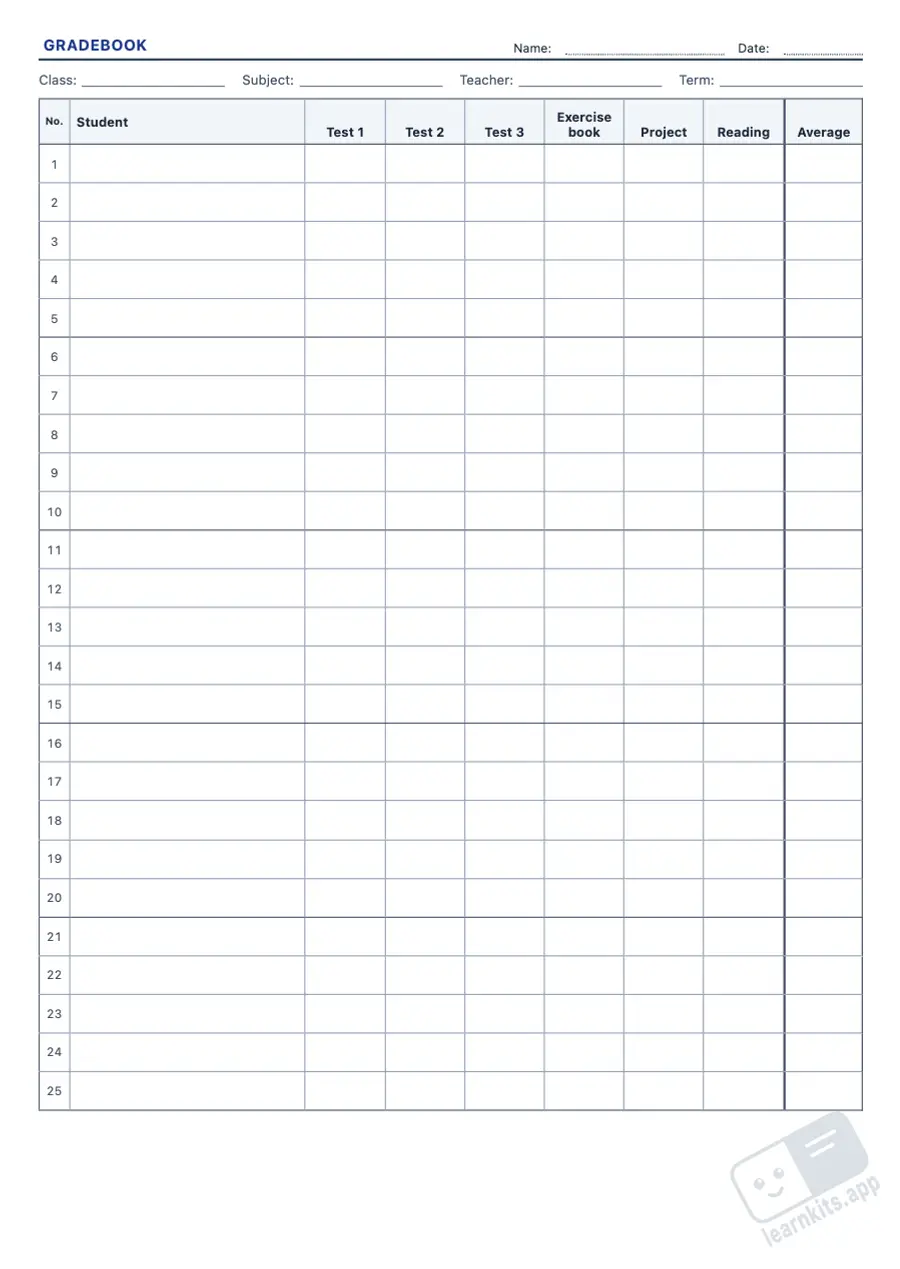
Class list with free columns, monthly attendance register, gradebook with an average column, observation checklist by criteria, and a reading and homework tracker.
The start of the school year means a new class list, an attendance register and a gradebook for marks and observations. This free class list and grade sheet maker builds A4 sheets ready to print with your students' names (or blank rows) and the columns you need, spread over as many sheets as it takes with the heading row repeated.
 Student worksheet
 Class list with free columns, monthly attendance register, gradebook with an average column, observation checklist by criteria, and a reading and homework tracker.
Choose the month and the sheet has its real days, the initial of each weekday and Saturdays and Sundays shaded. Print up to twelve months in a row.
Type the headings (tests, criteria, books, dates) or leave them blank. Narrow columns print their headings upwards, as in a teacher's planner.
Paste the class list, one name per line, or choose how many blank rows you want. Saved templates keep the names in your browser.
When the columns do not fit a portrait sheet, the table prints in landscape. Long lists continue on the next sheet with the heading row repeated.
From early years to Grade 12: the stage suggests the number of rows and starting headings (terms, tests, observation criteria) you can change.
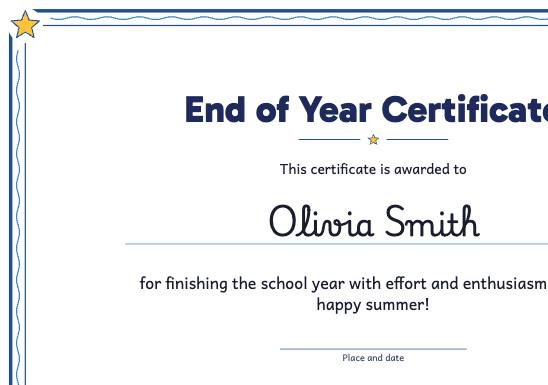
Award certificates with each student's name from your class list: end of year, graduation, effort, reading challenge, kindness or participation, with editable wording and a style for each age.
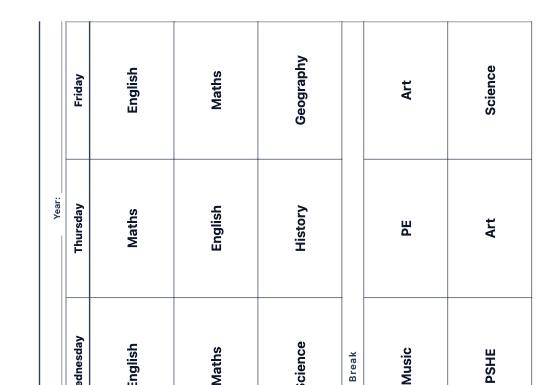
Editable weekly timetables (subjects, times, breaks and days) to put up in class, blank for pupils or visual with frames for picture symbols, and weekly and daily lesson planner sheets for the teacher.
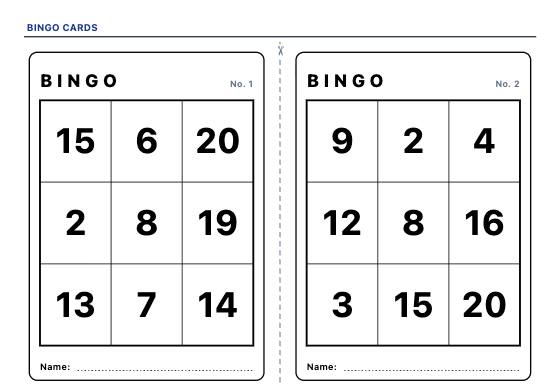
Printable bingo cards, every one different: call the calculation and find the answer on the card, or the number, the word and the picture. With a checklist and call slips to cut out.